Victron MPPT Err 17 and Err 18: Controller Overheated and Over-Current Fixes
Updated 16 September 2026 · By SolarNevs Research Desk, Dealer surveys + verified sources · 1 source · Method ↗
Key Takeaways
- Err 17 indicates controller overheating, often due to poor ventilation or high ambient temperatures.
- Err 18 signals an over-current event, potentially from large battery loads or sudden solar input changes.
- Always disconnect all power sources to the controller before troubleshooting physical issues.
- If errors persist after basic checks, use the VictronConnect app for detailed diagnostics or contact a technician.
Why is my Victron MPPT controller showing Err 17 or Err 18?
Err 17 means your Victron MPPT controller has overheated, even after it reduced its output current. This typically points to environmental factors like high ambient temperatures or blocked airflow around the heatsink. Err 18 indicates an over-current condition, often triggered by large loads on the battery side or rapid, significant changes in solar irradiance.
Diagnosis
Follow these steps to diagnose the cause of Err 17 or Err 18 on your Victron MPPT controller.
- Check the controller's display or app.
- Use the VictronConnect app, a remote panel (such as the Color Control GX or MPPT Control), or the Toolkit App for LED codes to confirm the exact error code. This ensures you are troubleshooting the correct issue.
- For Err 17 (Controller overheated):
- Observe ambient temperature: Is the installation location unusually hot? High ambient temperatures can push the controller past its operating limits.
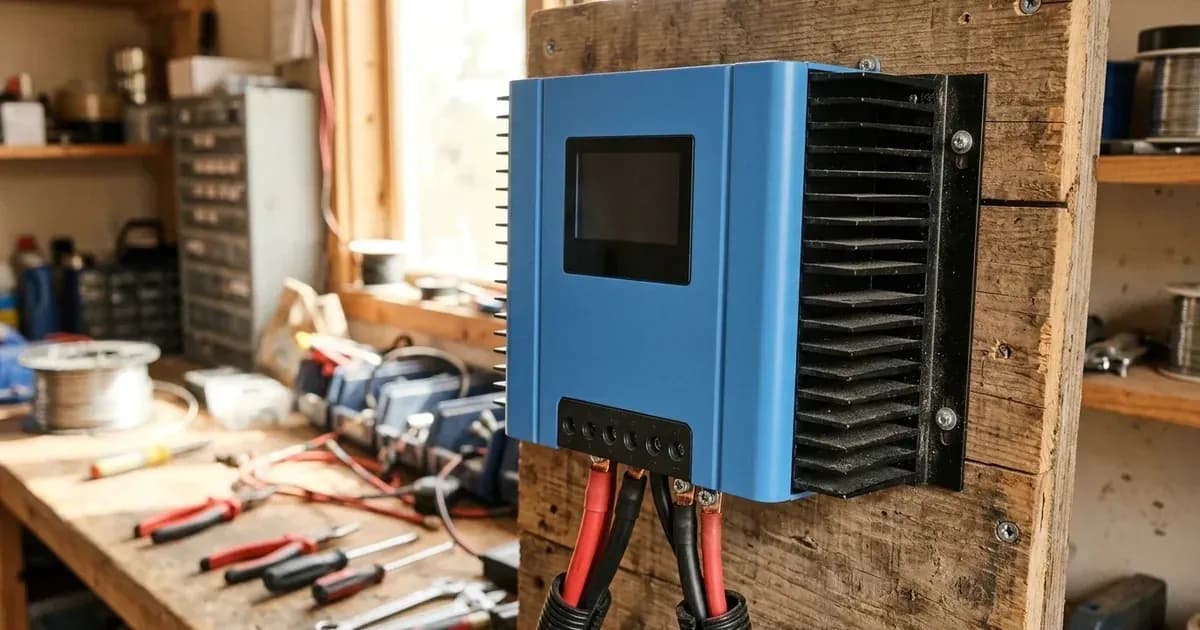
- Inspect heatsink: Check for any obstructions near the heatsink. Dust, debris, or objects blocking the fins can prevent proper cooling. Ensure there is adequate clear space around the unit for airflow.
- Controller behavior: Note if the error clears automatically after the controller cools down. The manual states, "This error will auto-reset after charger has cooled down."
- For Err 18 (Controller over-current):
- Recall recent events: Did you switch on or off a "very large load on the battery side" just before the error appeared? This can cause a sudden current draw.
- Solar conditions: Was there a "sudden change in irradiance" (e.g., clouds clearing rapidly, or sun hitting panels after shade) that could cause "a temporary over-power in the mppt"?
- Controller behavior: Note if the error auto-resets. If it does not, the manual advises to "disconnect the charge controller from all power-sources, wait 3 minutes, and power up again."
Cause/fix table
Symptom detail | Likely cause | Fix |
|---|---|---|
Err 17: Controller overheated despite reduced output current | High ambient temperature | Improve ventilation in the installation area. Consider relocating the controller to a cooler spot if possible. |
Err 17: Controller overheated despite reduced output current | Obstructions near the heatsink | "Check for obstructions near the heatsink." Clear any dust, debris, or objects blocking airflow around the controller's cooling fins. |
Err 18: Controller over-current | Switching on/off a very large load on the battery side | Avoid sudden, large load changes. If the error persists, "disconnect the charge controller from all power-sources, wait 3 minutes, and power up again." |
Err 18: Controller over-current | Sudden change in irradiance causing a temporary over-power in the MPPT | This is often temporary. If the error does not auto-reset, "disconnect the charge controller from all power-sources, wait 3 minutes, and power up again." |
Understanding Victron Error Codes
Victron Energy products, including MPPT controllers, use a standardized system for error codes. These codes help you quickly identify and troubleshoot issues. For detailed information, you can always refer to the VictronConnect app, which provides comprehensive diagnostics. Remote panels like the Color Control GX or MPPT Control also display these codes, offering immediate feedback on your system's status. The Toolkit App can also be used for interpreting LED codes. This error code list applies to various Victron products, including Inverter RS / Multi RS, Skylla Battery Chargers, and Orion Smart DC-DC Chargers.
Safety
Working with solar power systems involves high voltages and currents. Always prioritize safety.
- Before performing any physical checks or disconnections, ensure all power sources to the MPPT controller are isolated. This includes disconnecting the solar array, battery bank, and any AC input if applicable.
- Use insulated tools to prevent accidental short circuits.
- Never attempt to open the controller's casing unless explicitly instructed by the manufacturer or a qualified technician, as this may expose live components and void your warranty.
When to call a technician instead
While many Err 17 and Err 18 issues can be resolved with basic troubleshooting, there are times when professional help is necessary.
- If the error persists after you have performed all recommended checks and fixes.
- If you suspect internal damage to the controller.
- If you are uncomfortable or unsure about any troubleshooting step, especially those involving electrical connections.
- If the error leads to a complete system shutdown or erratic behavior that you cannot explain.
Attempting repairs beyond basic checks may void your product warranty. A qualified solar technician can safely diagnose and repair complex issues, ensuring your system operates correctly and safely.
Frequently asked questions
What does Victron MPPT Err 17 mean?
Err 17 indicates that the controller has overheated, even after it reduced its output current. The error will auto-reset once the charger has cooled down. You should check the ambient temperature and look for obstructions near the heatsink.
How do I fix Victron MPPT Err 18?
Err 18 signals an over-current condition. This error will auto-reset. If it does not, you should disconnect the charge controller from all power sources, wait 3 minutes, and then power it up again.
What causes an over-current (Err 18) on a Victron MPPT controller?
Possible causes for an over-current on the battery terminals include switching on or off a very large load on the battery side, or a sudden change in irradiance causing a temporary over-power in the MPPT.
How can I read detailed error codes from my Victron controller?
Detailed error codes can be read using the VictronConnect app, a remote panel such as the Color Control GX or the MPPT Control, or by consulting the Toolkit App for LED codes.
Does Err 17 or Err 18 apply to other Victron products?
Yes, this error code list applies to various Victron products, including the Inverter RS / Multi RS, Skylla Battery Chargers, and Orion Smart DC-DC Chargers, in addition to MPPT controllers.
References
- Victron Energy MPPT Error Codes — accessed 23 August 2026
Related guides
More from inverter errors & fixes.