Victron MPPT Error 67 & 68: BMS Connection and Network Misconfiguration Fixes
Updated 16 September 2026 · By SolarNevs Research Desk, Dealer surveys + verified sources · 1 source · Method ↗
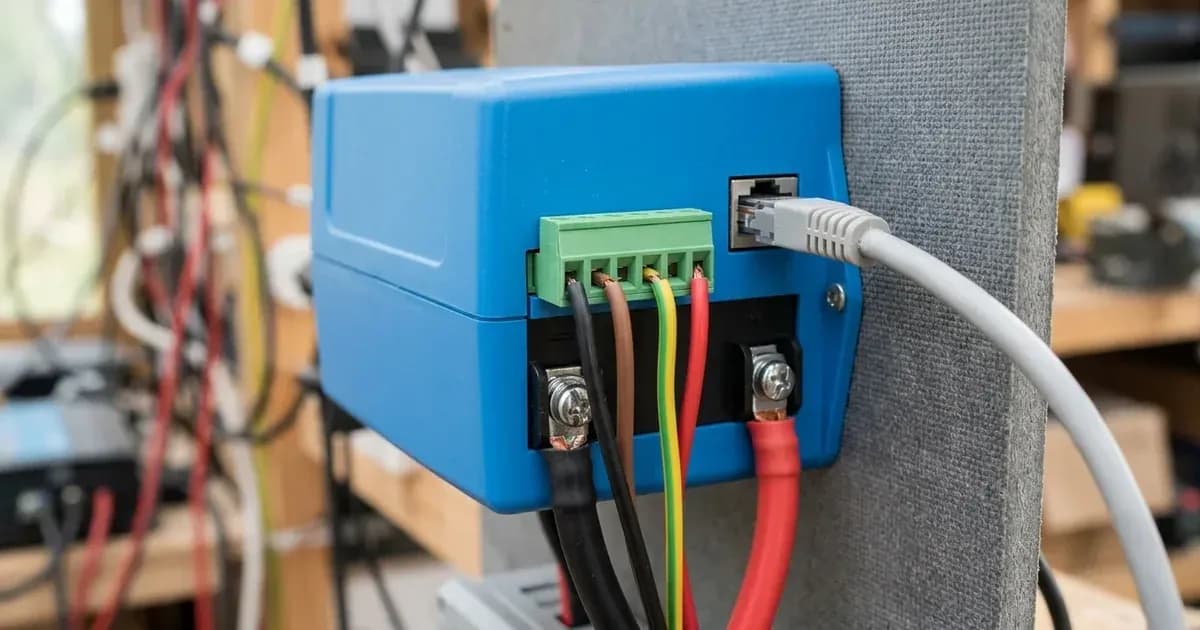
Key Takeaways
- Error 67 indicates a lost Battery Management System (BMS) connection; Error 68 signals network communication conflicts.
- Always check physical cable connections first for Error 67 before adjusting settings.
- For Error 68, ensure only one type of data cable (VE.Direct or VE.Can) is connected to prevent conflicts.
- Disconnect all power sources (PV, battery, AC) before inspecting or manipulating wiring.
What do Victron MPPT Errors 67 and 68 mean?
Victron MPPT Error 67 means the charger is configured to be controlled by a Battery Management System (BMS) but is not receiving any control messages from it. Victron MPPT Error 68 indicates that the charger detects multiple conflicting network sources attempting to send the same information.
Error 67 typically points to a problem with the BMS communication link, either a disconnected cable or a misconfiguration where the charger expects a BMS that is not present or not communicating. Error 68 arises when two high-priority communication interfaces, such as VE.Direct and VE.Can, are simultaneously connected and trying to control the charger.
Diagnosis
Diagnosing Victron MPPT Errors 67 and 68 involves checking both physical connections and software settings. You will need access to your MPPT charger, its display (if present), or the VictronConnect app.
- Identify the specific error code.
- Check the MPPT's built-in display, if it has one.
- Use the VictronConnect app to connect to your MPPT via Bluetooth or a VE.Direct USB interface. The app will show detailed error codes.
- A remote panel, such as the Color Control GX or the MPPT Control, can also display these error codes.
- For Error 67 (BMS Connection Lost):
- Inspect the BMS communication cable. This error shows when the charger is configured to be controlled by a BMS, but does not receive any BMS control messages. Check the physical cable connecting your MPPT charger to the BMS. Ensure it is securely plugged in at both ends and that there are no visible signs of damage.
- Verify BMS operation. Confirm that your BMS is powered on and functioning correctly.
- Check charger configuration. If you do not have a BMS or do not intend for the MPPT to be controlled by one, the charger might be misconfigured.
- For Error 68 (Network Misconfigured):
- Check for multiple network cables. Error 68 indicates that the charger detects multiple conflicting network sources, with the same priority, trying to send the same information to the charger. VE.Can and VE.Direct interfaces have both the same priority level. Inspect your MPPT charger for both a VE.Direct cable and a VE.Can cable connected simultaneously. This configuration is not supported.
- Verify firmware version. Outdated firmware can sometimes contribute to network communication issues.
Cause/fix table section
Symptom detail | Likely cause | Fix |
|---|---|---|
MPPT displays "Err 67" | BMS communication cable disconnected or faulty | Check and secure the connection between the charger and the BMS. |
MPPT displays "Err 67" | Charger configured for BMS control, but no BMS present or communicating | Change setting 'BMS' from 'Y' to 'N' (setup item 31) on chargers with an LCD display. For other chargers, reset to factory defaults with VictronConnect and reconfigure. |
MPPT displays "Err 68" | Charger connected with both VE.Direct and VE.Can cables | Remove one of the two conflicting cables (VE.Direct or VE.Can). |
MPPT displays "Err 68" on SmartSolar VE.Direct MPPTs | Outdated firmware | Update the firmware to v1.48 or higher. |
MPPT displays "Err 68" on SmartSolar/BlueSolar MPPTs VE.Can | Outdated software | Update the software. |
Troubleshooting Steps
Fixing Error 67: BMS Connection Lost
If your Victron MPPT charger displays "Err 67," it means the charger expects to be controlled by a BMS but isn't receiving the necessary communication.
- Inspect BMS Communication Cable:
- Safety First: Before touching any wiring, ensure all power sources to the MPPT (solar panels, battery) are disconnected. Use insulated tools. A spanner across a battery bank can short hundreds of amps.
- Visually check the cable connecting your MPPT to the BMS. Ensure it is firmly seated in both the MPPT and the BMS ports.
- Look for any signs of damage to the cable, such as cuts, kinks, or corroded connectors. Replace damaged cables.
- Verify BMS Operation:
- Confirm that your BMS is powered on and functioning correctly according to its own indicators or app. A non-responsive BMS will prevent communication.
- Reconfigure Charger (if no BMS is intended):
- If you do not have a BMS, or if the MPPT should operate independently, you need to change its configuration.
- For chargers with an LCD display: Navigate to the setup menu and change setting 'BMS' from 'Y' to 'N' (setup item 31).
- For other chargers (e.g., SmartSolar models without a display): Use the VictronConnect app. Connect to the charger, go to its settings, and perform a factory reset. After the reset, reconfigure the charger's parameters, ensuring BMS control is disabled if not required.
Fixing Error 68: Network Misconfigured
Error 68 indicates a conflict in network communication, typically when multiple high-priority data sources are connected.
- Check for Conflicting Cables:
- Safety First: Disconnect all power sources to the MPPT (solar panels, battery) before inspecting cables.
- The most common cause is having both a VE.Direct cable and a VE.Can cable connected to the MPPT simultaneously. This is not supported.
- Identify if both types of cables are connected.
- Solution: Remove one of the two cables. Decide which communication method you intend to use (VE.Direct for direct connection to a GX device or PC, or VE.Can for integration into a larger VE.Can network) and remove the other.
- Update Firmware/Software:
- For SmartSolar VE.Direct MPPTs, update the firmware version to v1.48 or higher. You can do this via the VictronConnect app.
- For SmartSolar/BlueSolar MPPTs VE.Can, update the software. Refer to the Victron documentation for your specific model for instructions on software updates.
- After updating, if the error persists, re-check for conflicting cables.
Safety: Electrical Hazards
Working with solar power systems involves significant electrical hazards. Always prioritize safety.
- Disconnect Power: Before performing any physical checks or wiring adjustments, always disconnect all power sources: solar PV input, battery bank, and any AC connections.
- Insulated Tools: Use only insulated tools when working with electrical connections to prevent accidental short circuits.
- Arc Flash Hazard: Batteries can deliver very high currents, leading to arc flash if terminals are shorted. Wear appropriate personal protective equipment (PPE), including eye protection and insulated gloves.
- Capacitor Discharge: Even after disconnecting power, internal capacitors in the MPPT can hold a charge. Wait the manual's specified capacitor-discharge time before opening the unit. Opening the unit should only be done by authorized service personnel.
When to call a technician instead
While many troubleshooting steps can be performed by the system owner, there are situations where professional help is necessary.
- If you are uncomfortable working with electrical systems or high voltages, contact a qualified solar technician.
- If, after following all troubleshooting steps, the error persists, there may be an internal fault with the MPPT or BMS that requires professional diagnosis and repair.
- If your system is under warranty, attempting repairs beyond basic troubleshooting (especially opening the unit) may void the warranty. Consult your warranty terms before proceeding with any invasive actions.
Frequently asked questions
What does Victron MPPT Error 67 mean?
Victron MPPT Error 67 indicates that the charger is configured to be controlled by a Battery Management System (BMS) but is not receiving any control messages from it. This suggests a communication issue.
How do I clear Victron MPPT Error 67?
To clear Error 67, first check the physical connection between the charger and the BMS. If no BMS is present or intended, reconfigure the charger to standalone mode by changing setting 'BMS' from 'Y' to 'N' (setup item 31) on models with an LCD display, or by performing a factory reset via the VictronConnect app for other chargers.
What causes Victron MPPT Error 68?
Victron MPPT Error 68 occurs when the charger detects multiple conflicting network sources attempting to send the same information. This often happens when both a VE.Direct cable and a VE.Can cable are connected to the charger simultaneously, as both interfaces have the same priority level.
How do I fix Victron MPPT Error 68?
To fix Error 68, you should update the firmware of SmartSolar VE.Direct MPPTs to version v1.48 or higher. If the error persists, or for SmartSolar/BlueSolar MPPTs VE.Can, remove one of the conflicting network cables (either the VE.Direct or the VE.Can cable) as connecting both is not supported.
How can I read detailed Victron MPPT error codes?
Detailed error codes for Victron MPPTs can be read using the VictronConnect app, which connects to the device via Bluetooth or a VE.Direct USB interface. Alternatively, a remote panel such as the Color Control GX or the MPPT Control can also display these detailed codes.
References
- Victron MPPT Error Codes — accessed 23 August 2026
Related guides
More from inverter errors & fixes.