Victron VE.Direct Protocol FAQ: Understanding Communication and Connectivity
Updated 9 September 2026 · By SolarNevs Research Desk, Dealer surveys + verified sources · 1 source · Method ↗
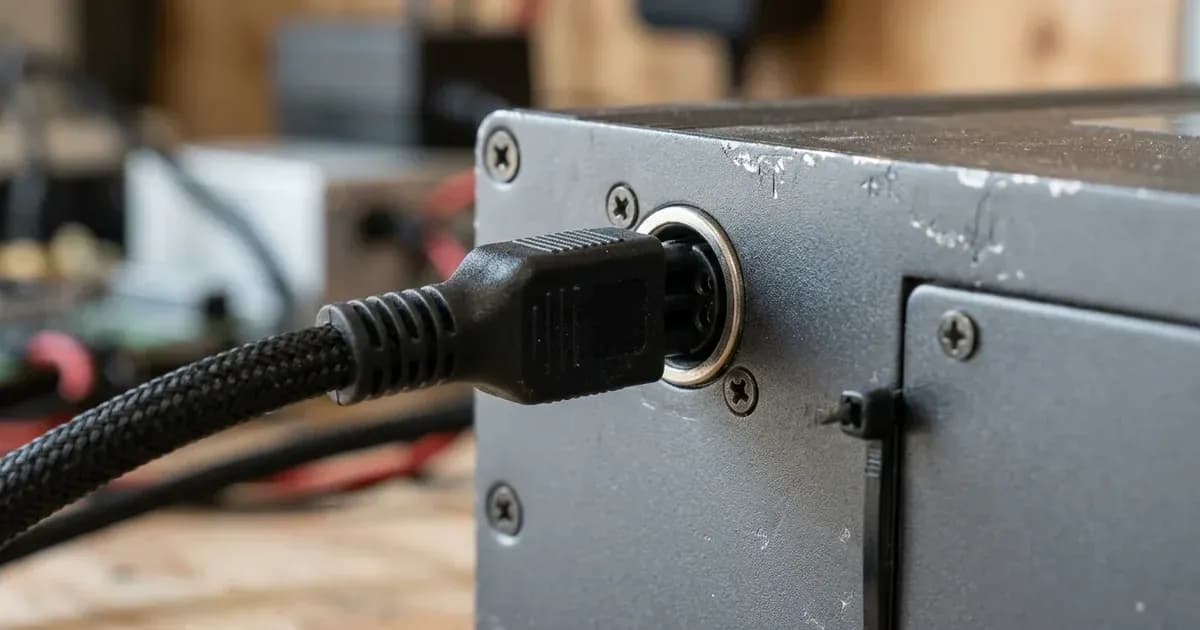
Key Takeaways
- Always use official Victron interfaces, such as VE.Direct to USB or VE.Direct to RS232, for direct connections.
- Galvanic isolation is crucial for protecting your Victron devices and connected systems.
- VE.Direct interface voltage varies by product; verify the correct voltage for your specific device.
- Data integrity relies on correct checksum calculation for both HEX and TEXT messages.
What is the Victron VE.Direct Protocol and how does it work?
The Victron VE.Direct protocol is a communication standard used by Victron Energy products to exchange data with other devices, such as a computer, a Raspberry Pi, or a Victron GX device. It enables monitoring, configuration, and control of Victron equipment. The protocol supports two main data formats: HEX messages for commands and specific data requests, and TEXT messages for general status updates and readings.
How do I connect to a VE.Direct port?
Connecting to a VE.Direct port requires specific interfaces to ensure reliable and safe communication. Follow these steps to establish a connection:
- Choose the correct interface. Victron Energy recommends using either their VE.Direct to USB interface or the VE.Direct to RS232 interface for direct connections. Both options include galvanic isolation.
- Understand interface power requirements. The VE.Direct side of the interface PCB is powered directly from the VE.Direct port. For the VE.Direct to RS232 interface, the RS232 side draws power from the DTR and RTS pins of the DB9 connector. These pins require an external voltage between 5V and 12V to operate.
- Identify the correct pins for RS232 communication. If using the VE.Direct to RS232 interface, communication uses pins 5 (GND), 2 (RX), and 3 (TX) on the DB9 connector.
- Verify the VE.Direct interface voltage of your product. The voltage supplied by the VE.Direct port varies by product. For example:
- BMV-700 devices operate at 3.3V.
- All MPPT models operate at 5V.
- Newer MPPT RS, Multi RS, and any other RS products operate at 3.3V.
- VE.Direct Inverters (250VA to 1200VA) operate at 3.3V.
- Smart Inverters (1600VA to 5000VA) operate at 3.3V. Circuits in Victron panels and USB interfaces are designed to work with both 3.3V and 5V systems, adapting the TX voltage as needed.
- Consider the current draw. The VE.Direct port's power pin can supply a maximum average current of 10mA, with peak bursts of up to 20mA for 5ms. Ensure your custom interface does not exceed these limits.
Understanding VE.Direct Data Formats and Checksums
The VE.Direct protocol uses two primary data formats: HEX and TEXT. Each has specific characteristics for data integrity.
HEX Messages
HEX messages are typically used for sending commands or requesting specific data.
- End-of-line character: The official end-of-line character for HEX messages is
\n(Line feed, LF, ASCII character 10). While\rmight work on some products,\nis the standard. - Transmission frequency: There is no minimum frequency for sending HEX messages. Sending HEX messages will temporarily stop TEXT frames for a few seconds.
- Checksum calculation: VE.Direct/VE.Hex data is encoded as little endian. The checksum needs to be a single byte and should wrap during calculation. An example calculation:
```c
byte checksum = 0x55;
byte message[] = { 0x7, 0xff, 0x0f, 0x00 }; // Example message bytes
for (int i =0; i < sizeof(message); i++) {
checksum = (checksum - message[i]) & 0xFF;
}
// The final 'checksum' value is appended to the message.
```
TEXT Messages
TEXT messages are typically used for broadcasting status information and readings.
- Checksum calculation: For TEXT messages, the checksum is a modulo 256 sum. This sum is calculated from the start of the frame until its end, including the checksum value itself. A valid message will have a total sum of all bytes (including the checksum byte) that is a multiple of 256, meaning the least significant byte of the sum is zero. An example calculation:
```c
int checksum = 0;
char message[] = { /* ... message bytes ... */ };
for (int i = 0; i < sizeof(message); i++) {
checksum += message[i];
}
if ((checksum & 0xFF) == 0) {
// Process message: checksum is valid
} else {
// Reject message: invalid checksum
}
```
VE.Direct Interface Voltages by Product
The voltage level on the VE.Direct interface can vary between different Victron products. It is important to know the correct voltage for your device when designing or using custom interfaces.
Victron Product | VE.Direct Interface Voltage |
|---|---|
BMV-700 | 3.3V |
MPPT (all models) | 5V |
Newer MPPTs (under development) | 5V |
MPPT RS, Multi RS, any other RS | 3.3V |
VE.Direct Inverters 250VA to 500VA | 3.3V |
VE.Direct Inverters 800VA & 1200VA | 3.3V |
Smart Inverters 1600VA to 5000VA | 3.3V |
Safety: Ensuring Reliable and Safe VE.Direct Connections
Safety is paramount when working with communication interfaces, especially in power systems.
Galvanic Isolation: It is critical to use interfaces that provide galvanic isolation when connecting directly to a VE.Direct port. Victron products themselves offer very little internal protection for their communication ports. Both the VE.Direct to USB and VE.Direct to RS232 interfaces include galvanic isolation circuitry. This isolation prevents ground loops, protects against voltage spikes, and safeguards your Victron device and any connected equipment from electrical damage.
When to call a technician instead
While understanding the VE.Direct protocol can help with custom integrations, complex communication issues or hardware failures often require professional assistance. You should call a qualified technician if:
- You are experiencing persistent communication failures despite verifying all connection parameters and checksum calculations.
- You suspect internal damage to a Victron device's VE.Direct port.
- You are attempting to integrate the protocol into a critical system and require certified reliability.
- You are unable to resolve issues with custom hardware interfaces, particularly if they involve power supply or signal integrity problems.
Attempting repairs or modifications to Victron products without proper training and tools can void warranties and pose safety risks.
Frequently asked questions
What is the recommended way to connect directly to a VE.Direct port?
Victron Energy advises using either their VE.Direct to USB interface or the VE.Direct to RS232 interface. Both interfaces include galvanic isolation circuitry, which is important due to the limited protection within the Victron products themselves.
What are the power requirements for the VE.Direct to RS232 interface?
The VE.Direct side of the PCB is powered from the VE.Direct port. The RS232 side draws power from the DTR and RTS pins of the RS232 connection. An external voltage between 5V and 12V is required for these pins.
Does the VE.Direct interface voltage vary between Victron products?
Yes, the VE.Direct interface voltage depends on the specific product. For example, BMV-700 devices use 3.3V, while all MPPT models use 5V. Newer MPPT RS, Multi RS, and other RS products also use 3.3V.
How is the checksum calculated for VE.Direct TEXT messages?
For TEXT messages, the checksum is a modulo 256 sum. It is calculated from the start of the frame until the end, including the checksum value itself. A valid message will result in a checksum of zero when all bytes are summed.
What is the maximum current draw from a VE.Direct port's power pin?
The VE.Direct port's power pin can supply a maximum average current of 10mA, with short bursts of up to 20mA for 5ms.
References
- Victron Energy VE.Direct Protocol FAQ — accessed 23 August 2026
Related guides
More from sizing, net billing & installation.