CM Punjab Solar Scheme Status Check + Rollout Tracker
Updated 2 August 2026 · By SolarNevs Research Desk, Dealer surveys + verified sources · 5 sources · Method ↗
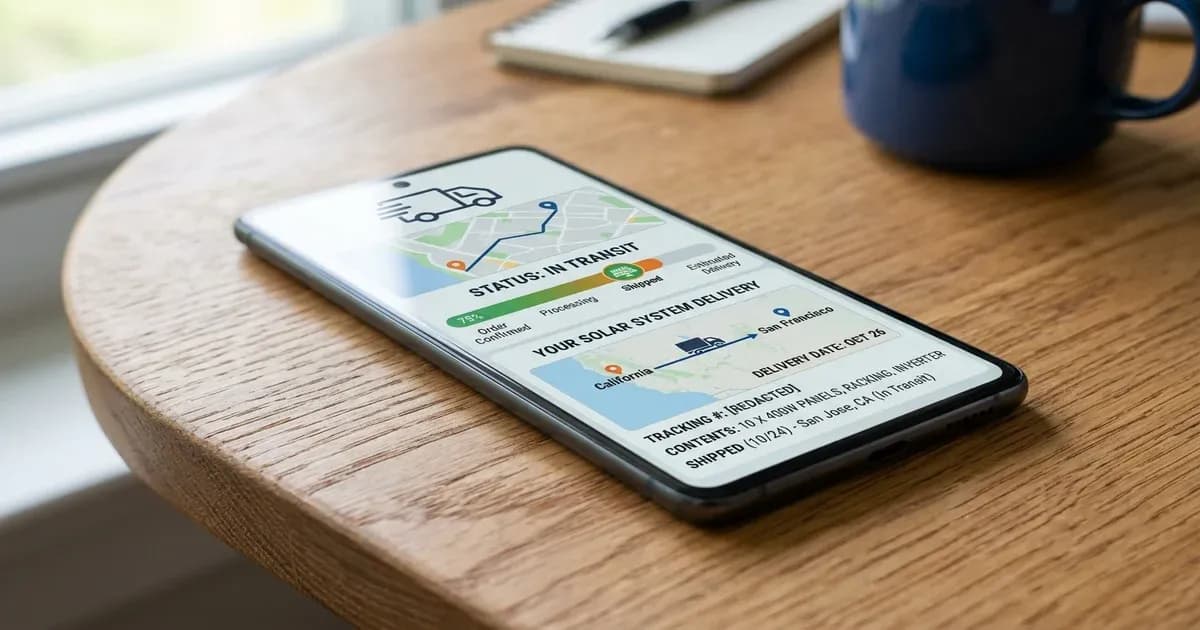
CM Punjab Solar Scheme Status Check + Rollout Tracker
{/* visual_plan: stat_block */}
Key Takeaways
- NEPRA net billing framework (July 2026) establishes a buyback export tariff of Rs 11 (July 2026) per kWh.
- Unprotected residential grid imports cost between Rs 50 and Rs 65 (July 2026) per kWh.
- Pairing solar with lithium battery storage optimizes evening peak shaving and shortens payback to ~3.2 years.
- All net billing applications require AEDB-certified installer documentation and official DISCO clearance.
Introduction
Understanding the net billing regulations and DISCO processes in Pakistan is essential for optimizing solar investment returns under the 2026 NEPRA policy framework.
How do you track your CM Punjab Solar Scheme application status online?
Applicants who submitted applications for the Chief Minister Punjab Solar Scheme can track their processing status online through the Punjab Information Technology Board (PITB) portal at https://punjab.gov.pk.
Tracking online allows applicants to verify document validation, check balloting results, confirm down payment receipts, and monitor physical installation scheduling across all 36 districts of Punjab.
Step-by-Step Status Check Procedure.
- Visit the official scheme portal at
https://punjab.gov.pk. - Click on the 'Track Application Status' tab.
- Enter your 13-digit CNIC number (without hyphens) or Application Tracking ID.
- Click 'Search' to view your current application status and next processing steps.
What do the different status designations on the portal mean?
The PITB web portal uses standardized status labels to indicate application progress through administrative and technical stages.
Portal Status Designation Reference.
Status Label | Administrative Meaning | Required Applicant Action |
|---|---|---|
Under Verification | PITB is validating CNIC and electricity bill history | None (Wait for screening) |
Balloting Eligible | Passed eligibility checks; entered in digital draw | Await balloting results |
Selected | Chosen in balloting for system allocation | Download Bank Deposit Slip |
Payment Verified | 10% down payment confirmed by Bank of Punjab | Prepare roof for site survey |
Survey Pending | Vendor assigned for physical roof inspection | Coordinate site visit |
Installation Complete | Solar system installed and green meter commissioned | Enjoy subsidized solar power |
What is the district rollout schedule and target distribution plan?
The Government of Punjab executes system distribution in structured phases to manage vendor supply chains and DISCO net billing integration efficiently.
Phase 1 Rollout Focus. Prioritized lifeline and low-consumption households importing between 100 and 300 units per month. Initial distribution targeted high-density urban centers in Lahore, Multan, Faisalabad, Gujranwala, and Rawalpindi.
Phase 2 Rollout Focus. Expanded eligibility to households consuming up to 500 units per month and included rural agricultural districts across South and Central Punjab.
Vendor consortiums work directly with LESCO, MEPCO, FESCO, IESCO, and GEPCO to ensure bidirectional green meters are installed immediately following physical rooftop equipment setup.
What should you do after your application is selected in balloting?
Receiving a 'Selected' status notification requires prompt action to secure your allocated solar system within specified deadlines.
Action Steps for Selected Candidates.
- Download Official Bank Challan - Log into
https://punjab.gov.pkand print your personalized Bank of Punjab deposit challan. - Deposit 10% Down Payment - Pay your 10% down payment (July 2026) contribution (e.g., PKR 45,000 (July 2026) for a 3kW system) at any authorized Bank of Punjab branch before the due date.
- Upload Paid Challan Receipt - Scan and upload the stamped bank deposit receipt back onto the portal.
- Coordinate Physical Site Survey - Allow vendor technical teams access to your rooftop to verify solar tilt angles, structural strength, and wiring routes.
How can you resolve installation delays or vendor complaints?
If your application shows 'Payment Verified' but vendor contact or installation is delayed beyond 30 days, use official grievance channels.
Grievance Escalation Channels.
- PITB Scheme Helpline - Call the official scheme helpline listed on
https://punjab.gov.pkreferencing your CNIC and Tracking ID. - DISCO Solar Facilitation Desk - Visit your local LESCO, MEPCO, FESCO, or GEPCO division office to check net meter allocation status.
- Punjab Citizen Portal / PMDU - Submit an online complaint under the Punjab Energy Department category for administrative intervention.
Frequently Asked Questions
How can you check your CM Punjab Solar Scheme application status online?
You can check application status online by entering your CNIC number on the official Punjab government portal at punjab.gov.pk or via designated SMS tracking codes.
What do the different application status results mean on the PITB portal?
Status results include 'Under Verification' (document check), 'Balloting Eligible' (passed screening), 'Selected' (chosen in balloting), and 'Survey Pending' (awaiting site visit).
What should you do if your application is marked selected but vendor installation is delayed?
If vendor installation is delayed, contact the Punjab Energy Department helpline or submit a tracking ticket on the PITB portal referencing your Application ID.
References
Frequently asked questions
How can you check your CM Punjab Solar Scheme application status online?
You can check application status online by entering your CNIC number on the official Punjab government portal at punjab.gov.pk or via designated SMS tracking codes.
What do the different application status results mean on the PITB portal?
Status results include 'Under Verification' (document check), 'Balloting Eligible' (passed screening), 'Selected' (chosen in balloting), and 'Survey Pending' (awaiting site visit).
What should you do if your application is marked selected but vendor installation is delayed?
If vendor installation is delayed, contact the Punjab Energy Department helpline or submit a tracking ticket on the PITB portal referencing your Application ID.
References
- Government of Punjab — accessed 25 July 2026
- Solar Citizen — accessed 25 July 2026
- LESCO — accessed 25 July 2026
- W11Stop — accessed 25 July 2026
- NEPRA — accessed 25 July 2026
Related guides
More from sizing, net billing & installation.