Updating Victron VE.Bus Firmware with VEFlash
Updated 9 September 2026 · By SolarNevs Research Desk, Dealer surveys + verified sources · 1 source · Method ↗
Key Takeaways
- VEFlash is a deprecated software, primarily for older Victron VE.Bus products not supported by VictronConnect.
- Firmware updates using VEFlash must only be performed by Victron-trained Engineers, Installers, and Dealers.
- Updating firmware will reset all settings to factory defaults, remove Assistant settings, and place the unit in stand-alone mode.
- Always save your current settings before proceeding with a firmware update.
What is VEFlash and when should you use it?
VEFlash is a software tool developed by Victron Energy for updating the firmware on VE.Bus products, which include Inverters, Multis, and Quattros. However, VEFlash is deprecated in favour of VictronConnect. We now recommend to use VictronConnect for firmware updates. You should use VEFlash only for older models not supported by VictronConnect.
Diagnosis: Is a firmware update necessary?
It is not required to keep your Victron equipment updated to the latest firmware version. Firmware updates should only be done when it is recommended to fix an issue you are experiencing, or add a new feature that is required by the installation. To check your current firmware version, look for a seven digit number (eg. 2654153) printed on a sticker on the control board of your VE.Bus product.
How to prepare for a VE.Bus firmware update with VEFlash
Updating firmware on a VE.Bus product has system-critical implications. This operation must only be carried out by Victron-trained Engineers, Installers and Dealers, and must not be attempted by system Owners and Users. Setting up a VE.Bus system requires both training and experience.
Follow these steps to prepare for the update:
- Download VEFlash: Obtain VEFlash.exe, which you will find in VE Configure Tools, available for download on Victron's software page. Always use the latest version of VEFlash; it will automatically check online for updates on startup.
- Obtain Firmware Files: New firmware files are available from Victron Professional. A free account is required to access these files.
- Match Firmware to Model: The first four digits of the firmware file must match the first four digits of the model number of your VE.Bus product. For recent products, use the latest 400 version. Refer to the "VE.Bus firmware versions explained" PDF to select the best firmware for your system.
- Save Existing Settings: Before proceeding, save your current settings. All settings will be lost after the update. This includes any Assistant settings and parallel or three-phase configurations, which will also be removed.
Pre-update Checklist
Item | Detail | Action |
|---|---|---|
User Authorization | Operation must be carried out by Victron-trained personnel | Ensure you are a Victron-trained Engineer, Installer, or Dealer |
Software Availability | VEFlash.exe is part of VE Configure Tools | Download and install VE Configure Tools |
Firmware File Source | New firmware files from Victron Professional | Access Victron Professional with a free account |
Firmware File Matching | First four digits of file match model number | Verify compatibility before download |
Settings Backup | All settings, Assistants, and configurations will be lost | Save your settings first! |
Firmware Selection | Refer to "VE.Bus firmware versions explained" PDF | Choose the correct firmware version (e.g., latest 400 for recent products) |
Performing the VE.Bus firmware update
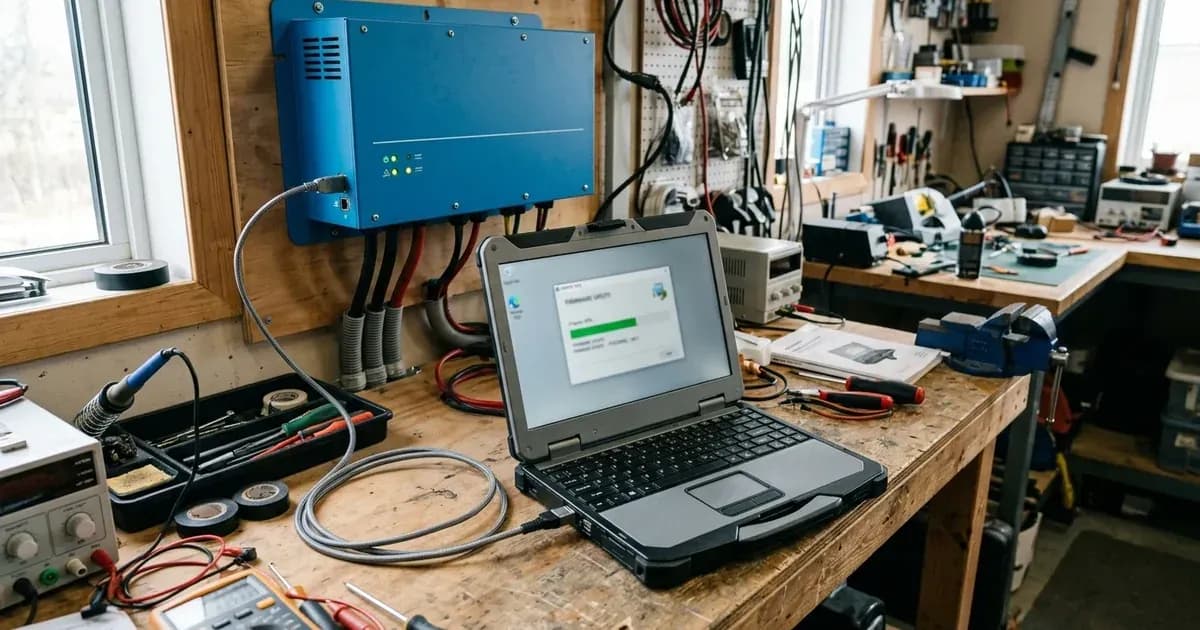
Once you have completed the preparation steps, you can proceed with the firmware update using VEFlash.
- Connect to the VE.Bus Product: Ensure your computer is connected to the VE.Bus product (Inverter, Multi, or Quattro) via the appropriate communication interface.
- Launch VEFlash: Open the VEFlash.exe application.
- Select Firmware File: Follow the on-screen prompts within VEFlash to select the firmware file you downloaded from Victron Professional.
- Initiate Update: Start the firmware update process. Do not interrupt the process once it has begun.
- Update Parallel/Three-phase Installations: When updating parallel or three-phase installations, update each unit separately.
- Post-Update Configuration: After updating firmware, all settings will be reset to their factory defaults. The unit will be in stand-alone mode, and any Assistant settings will be removed. You will need to reconfigure the unit using your saved settings.
Safety: Critical considerations before updating
Updating firmware on a VE.Bus product (Inverters, Multis and Quattros) has system-critical implications. We offer no direct support for un-trained individuals carrying-out reconfiguration. Setting up a VE.Bus system requires both training and experience.
Always ensure the following:
- You are a Victron-trained Engineer, Installer, or Dealer.
- You have a complete backup of the existing settings.
- You understand that the unit will revert to factory defaults and require full reconfiguration.
- The environment is safe for working with electrical equipment.
When to call a technician instead
Given the system-critical implications and the requirement for training and experience, if you are not a Victron-trained Engineer, Installer, or Dealer, you should not attempt to update the firmware yourself. Contact a qualified Victron professional to perform the update. Attempting this operation without the necessary training could lead to incorrect configuration, system malfunction, or safety hazards.
Frequently asked questions
What is VEFlash and when should it be used?
VEFlash is a software tool for updating Victron VE.Bus product firmware. It is deprecated in favour of VictronConnect and should only be used for older models not supported by VictronConnect.
Who is authorized to update VE.Bus firmware using VEFlash?
This operation must only be carried out by Victron-trained Engineers, Installers, and Dealers. It must not be attempted by system Owners and Users due to system-critical implications.
What happens to settings after a VE.Bus firmware update?
After updating firmware, all settings will be reset to their factory defaults. Any Assistant settings will be removed, and the unit will be in stand-alone mode. It is crucial to save settings first.
Is it necessary to always update Victron equipment to the latest firmware?
No, it is not required to keep your Victron equipment updated to the latest firmware version. Firmware updates should only be done when recommended to fix an issue or add a new feature required by the installation.
Where can I get the VEFlash software and firmware files?
VEFlash.exe is found in VE Configure Tools, available for download from Victron's software page. New firmware files are available from Victron Professional, which requires a free account.
References
- Victron Energy: Updating firmware on a VE.Bus product — accessed 23 August 2026
Related guides
More from sizing, net billing & installation.