Victron BlueNova LiFePO4 Battery CAN-bus Interfacing
Updated 16 September 2026 · By SolarNevs Research Desk, Dealer surveys + verified sources · 1 source · Method ↗
Key Takeaways
- Ensure your Victron GX device runs firmware v2.02 or newer for BlueNova battery compatibility.
- Always connect the CAN-bus cable correctly between the GX device's VE.Can/BMS Can port and the battery's RJ45 CANbus port.
- The BlueNova battery's internal BMS controls critical charge and discharge limits, making proper CAN-bus communication essential.
- If communication issues persist after checking firmware, wiring, and settings, consult a qualified technician.
How do I connect BlueNova LiFePO4 batteries to Victron GX devices via CAN-bus?
Connecting BlueNova Energy LiFePO4 batteries to Victron GX devices requires a proper CAN-bus connection and specific settings to ensure the battery's internal Battery Management System (BMS) can communicate critical parameters. The most common cause of issues is incorrect wiring or outdated GX device firmware. The first step is to verify your GX device's firmware version.
Diagnosis Steps for BlueNova-Victron CAN-bus Communication
Follow these steps to diagnose and resolve common communication issues between your BlueNova Energy LiFePO4 batteries and Victron GX device.
- Check GX Device Firmware Version:
- Observable Check: Access your GX device's menu and navigate to the firmware information.
- What it Means: The minimum firmware version for the GX device is v2.02 when used with BlueNova Energy Batteries. It is recommended to always use the latest Firmware version for the GX device.
- Action: If your firmware is older than v2.02, update it.
- Verify CAN-bus Physical Connection:
- Observable Check: Inspect the CAN-bus cable connection between the GX device and the BlueNova battery.
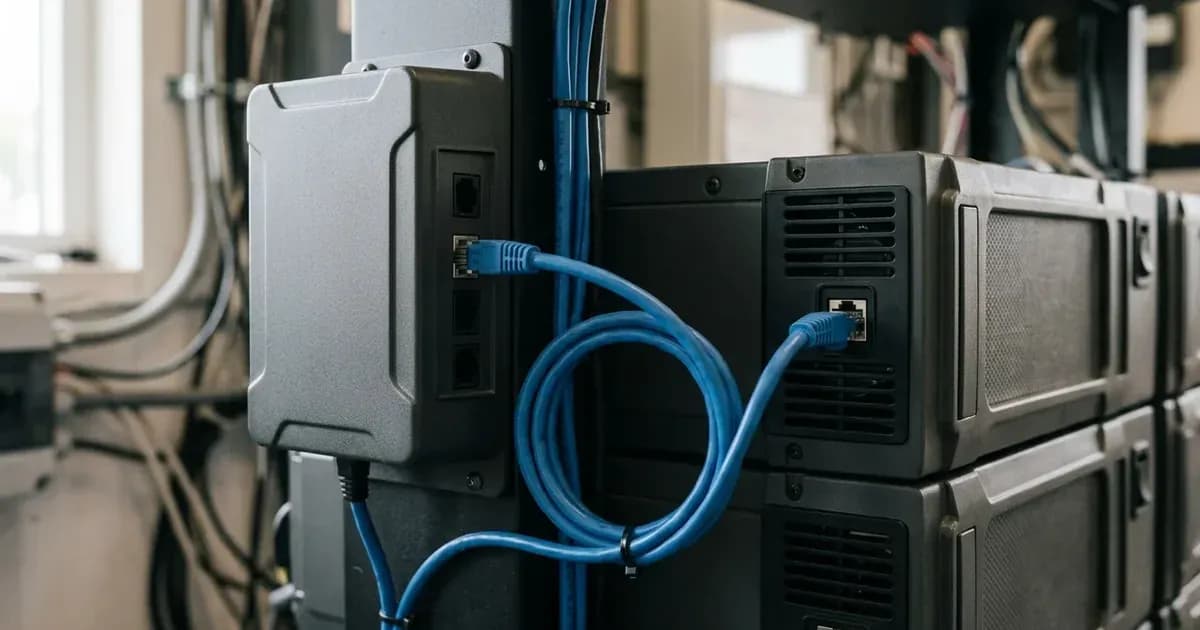
- What it Means: The GX device side should be plugged into a VE.Can or "BMS Can" socket. The other end should be plugged into the battery's RJ45 CANbus port.
- Action: Ensure the cable is securely connected at both ends.
- Confirm CAN-bus Speed Setting:
- Observable Check: Navigate to the GX device's menu: //Settings -> Services -> CAN-profile//. Check the baud rate setting.
- What it Means: The default CAN-bus speed for new BlueNova Energy batteries is 500kbps. Some batteries may allow 250kbps or 500kbps, selectable on the user interface or via firmware update for older models.
- Action: Set the CAN-bus speed to 500kbps. If communication fails, and you have an older battery, try 250kbps if available.
- Check DVCC Activation:
- Observable Check: In the GX device's menu, check the //Settings → System Setup// menu for DVCC status.
- What it Means: DVCC (Distributed Voltage and Current Control) is automatically activated once a BlueNova Energy battery is connected via CAN-bus to the GX device with the latest GX device firmware. Shared Voltage Sense (SVS) is enabled by default when DVCC is enabled.
- Action: Ensure DVCC is enabled. If it's disabled, enable it.
- Address RacPower Termination Needs:
- Observable Check: If you are using RacPower (BP & DU) range BlueNova batteries, check for CANbus terminations.
- What it Means: RacPower (BP & DU) range needs CANbus terminations done, supplied as per each RacPower unit. For BlueNova Energy "SSS" range, a VE.Can terminator is not necessary for the other VE.Can socket on the GX device.
- Action: Install the supplied CANbus terminations for RacPower batteries.
- Consider GX Device Model Limitations:
- Observable Check: Identify your specific GX device model (e.g., CCGX vs. Cerbo GX).
- What it Means: With CCGX, it is not possible to connect both VE.Can products (i.e VE.Can MPPTs) and a BlueNova Energy battery together. The Cerbo GX has two separate sets of ports, allowing connection of both VE.Can products and BlueNova Energy battery.
- Action: If using a CCGX, you may need to choose between VE.Can products and the BlueNova battery. A Cerbo GX offers more flexibility.
Common Symptoms, Causes, and Fixes for BlueNova-Victron Communication
This table outlines typical issues encountered during BlueNova Energy battery integration with Victron systems and their resolutions.
Symptom detail | Likely cause | Fix |
|---|---|---|
BlueNova battery not visible or communicating | GX device firmware is outdated | Update GX device firmware to minimum v2.02, or the latest recommended version. |
No battery data (voltage, current, SOC) displayed | Incorrect CAN-bus wiring | Plug GX device side into VE.Can or "BMS Can" socket; plug other end into battery RJ45 CANbus port. |
Communication errors or intermittent data | Incorrect CAN-bus speed setting | Set CAN-bus speed to 500kbps (default for new batteries); for older batteries, try 250kbps if selectable. |
Charge/Discharge limits not controlled by BMS | DVCC is not active or enabled | Ensure BlueNova battery is connected via CAN-bus; DVCC activates automatically with latest firmware. Verify in Settings → System Setup menu. |
RacPower battery communication issues | Missing CANbus terminations | Install CANbus terminations supplied with each RacPower unit. |
Inability to connect both VE.Can MPPTs and BlueNova battery | Using a CCGX (Color Control GX) | Upgrade to a Cerbo GX, which has separate ports for VE.Can products and BMS-Can. |
BlueNova-Victron CAN-bus Interfacing and Settings
The integration of BlueNova Energy LiFePO4 batteries with Victron systems relies heavily on CAN-bus communication and the Victron GX device's Distributed Voltage and Current Control (DVCC) feature.
CAN-bus Communication BlueNova Energy batteries are supplied with a BMS as standard on all current models. This BMS communicates critical battery parameters to the Victron GX device via CAN-bus. The CAN-bus speed for BlueNova Energy batteries is typically 500kbps, which is the default for new batteries. Some batteries may offer a selectable speed of 250kbps or 500kbps on the user interface, or require a firmware update for older models to change this setting. The GX device's CAN-profile settings, located at //Settings -> Services -> CAN-profile//, allow for changing the baud rate or configuring the VE.Can port for BMS-Can.
DVCC (Distributed Voltage and Current Control) DVCC is a key feature that allows the BlueNova battery's BMS to directly control the Victron inverter/charger and solar charge controllers. Once a BlueNova Energy battery is connected via CAN-bus to the GX device with the latest GX device firmware, DVCC is automatically activated. Through DVCC, the BlueNova Energy battery BMS controls the Charge Voltage Limit (CVL), Charge Current Limit (CCL), Discharge Current Limit (DCL), and Battery Low Voltage settings. This ensures the battery operates within its safe parameters. DVCC can be enabled or disabled in the Settings → System Setup menu. Shared Voltage Sense (SVS) is also enabled by default when DVCC is active.
ESS Assistant Battery Type When configuring the ESS Assistant in Victron systems, BlueNova Energy batteries often correspond to the fifth battery type selection. This setting helps the Victron system correctly interpret the BMS data from the BlueNova battery.
Monitoring Individual Batteries For systems with multiple paralleled BlueNova Energy batteries, a BlueNova Energy BMAC Online unit can be installed between the batteries and the Victron Energy GX device. This unit allows for monitoring of individual paralleled batteries, providing more detailed insights into battery performance.
Safety: LiFePO4 Batteries and BMS Control
Lithium Iron Phosphate (LiFePO4) batteries, like those from BlueNova Energy, are generally safe, but proper handling and system integration are crucial. The BlueNova Energy range is supplied with a BMS as standard on all current models of batteries. This internal BMS is responsible for controlling deep discharge and overcharge conditions, especially in off-grid and backup systems.
Always ensure the CAN-bus communication is correctly established so the BMS can effectively manage the battery. Do not attempt to bypass or override the BMS's control over charge and discharge limits. LiFePO4 batteries do not produce hydrogen gas during normal operation, unlike flooded lead-acid batteries, but they can pose thermal risks if severely overcharged or damaged.
When to call a technician instead
While many communication issues can be resolved with basic troubleshooting, there are situations where professional assistance is necessary. You should call a qualified technician if:
- Communication issues persist after carefully following all diagnosis steps and verifying firmware, wiring, and settings.
- You suspect physical damage to the battery, cables, or Victron equipment.
- The battery is exhibiting unusual behavior (e.g., unexpected shutdowns, error codes not related to communication).
- You are unsure about any step in the troubleshooting process, especially concerning electrical connections.
- Your system involves complex configurations beyond basic CAN-bus interfacing.
Attempting repairs or modifications beyond the scope of this guide could void your warranty or lead to unsafe operating conditions.
Frequently asked questions
What Victron devices are compatible with BlueNova Energy batteries?
All 48V Multi’s, MultiPlus, MultiPlus II, Multigrids, Quattros, and EasySolars are compatible with BlueNova Energy batteries. Victron GX devices, such as the Cerbo GX, facilitate communication.
What is the minimum firmware version for the Victron GX device when using BlueNova batteries?
When used with BlueNova Energy Batteries, the minimum firmware version for the GX device is v2.02. It is recommended to always use the latest firmware version for optimal performance.
How does the BlueNova Energy battery BMS control charge and discharge limits?
The BlueNova Energy battery BMS controls critical parameters like Charge Voltage Limit (CVL), Charge Current Limit (CCL), Discharge Current Limit (DCL), and Battery Low Voltage via DVCC (Distributed Voltage and Current Control) over the CAN-bus connection.
What CAN-bus speed should be used for BlueNova Energy batteries?
The default CAN-bus speed for new BlueNova Energy batteries is 500kbps. Some batteries may also support 250kbps, which can be selected on the user interface or via a firmware update for older models.
How is DVCC activated when connecting BlueNova Energy batteries to a Victron GX device?
DVCC is automatically activated once a BlueNova Energy battery is connected via CAN-bus to the GX device, provided the GX device has the latest firmware. It can also be enabled or disabled in the Settings → System Setup menu.
References
- Victron Energy Battery Compatibility: BlueNova — accessed 23 August 2026
Related guides
More from inverter errors & fixes.