Victron VE.Bus Error Codes: Troubleshooting and Fixes
Updated 16 September 2026 · By SolarNevs Research Desk, Dealer surveys + verified sources · 1 source · Method ↗
Key Takeaways
- VE.Bus errors often indicate communication issues or underlying system faults like low battery or overload.
- Start by checking physical connections and ensuring all devices are updated to the latest firmware.
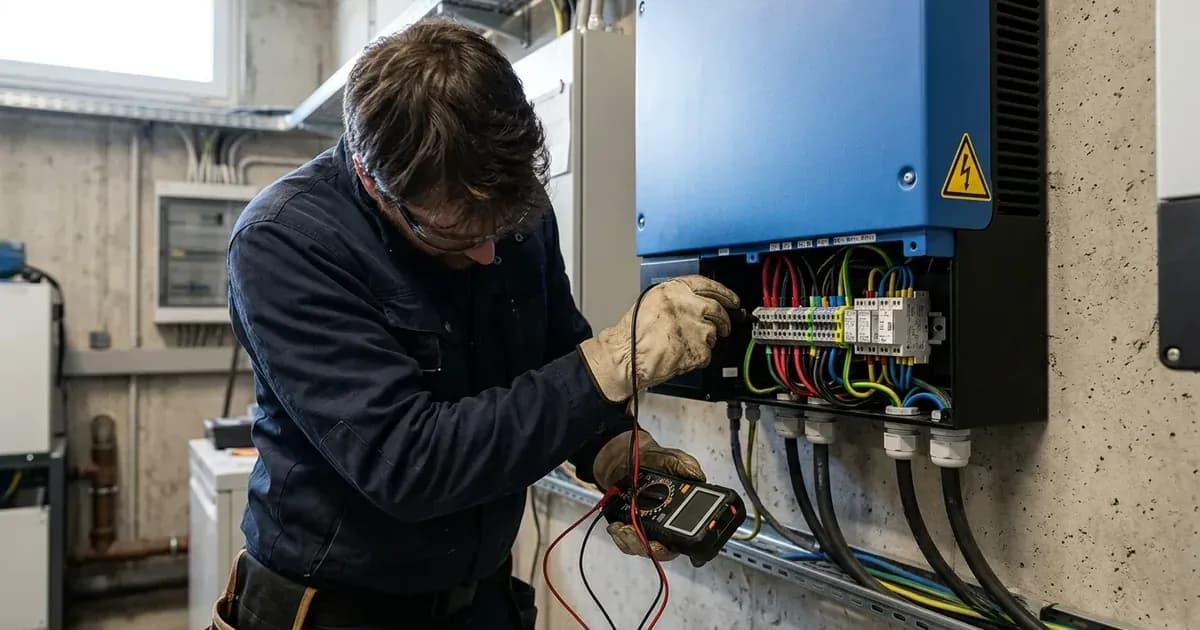
- Never attempt repairs or modifications if you are not a trained professional, as AC and DC voltages can be lethal.
- If basic troubleshooting does not resolve the error, contact a qualified Victron technician.
What do Victron VE.Bus error codes mean, and how do I fix them?
Victron VE.Bus error codes indicate issues within your MultiPlus or Quattro system's communication network or operational status. Resolving them typically involves checking system configuration, communication cabling, and device firmware. These errors can prevent your system from operating correctly, leading to power outages or reduced performance.
Diagnosis and Initial Checks
Before diving into specific error codes, perform these general diagnostic steps. These checks address common causes of VE.Bus communication issues across MultiPlus and Quattro systems.
- Check for underlying alarms on your GX Device or VRM portal.
- Observable check: Access your Victron GX Device (e.g., Cerbo GX) or log into the Victron Remote Management (VRM) portal.
- What it means: Look for any other active alarms such as "Low battery," "Overload," or "High temperature." These conditions can cause a device to shut down, which then triggers a VE.Bus error in a multi-phase system. The Victron manual states, "First make sure that Automatic alarm monitoring is enabled; that is necessary to create the Overload and Temperature errors in the log."
- Action: Address any primary alarms first, as resolving them may clear the VE.Bus error.
- Inspect communication cables.
- Observable check: Visually inspect all RJ45 network cables connecting your Victron VE.Bus devices.
- What it means: The Victron manual warns, "Make sure to use industrially made network cabling. Using self crimped RJ45 cables is a known cause of various of below list of errors." Poor quality or damaged cables can disrupt communication.
- Action: Replace any suspect cables with new, industrially manufactured network cables.
- Perform a system restart.
- Observable check: Locate the On / Off / Charger-only rocker-switch on the front of each Victron VE.Bus device in your system.
- What it means: A full system restart can sometimes clear transient communication glitches. The manual advises, "To restart a system, first switch all units off, one by one. And then switch all units on again. Do this with the On / Off / Charger-only rocker-switch on the front of the device."
- Action: Switch all units off one by one, then switch them back on one by one.
- Update firmware on all devices.
- Observable check: Verify the firmware versions of your MultiPlus/Quattro inverters and your GX device.
- What it means: Outdated firmware can lead to compatibility issues or known bugs that cause VE.Bus errors. The manual states, "update all devices to the latest firmware. This includes the latest VE.Bus firmware and also the latest firmware in the [[venus-os:start|GX device]]."
- Action: Update all Victron VE.Bus devices and the GX device to their latest available firmware versions.
VE.Bus Error Code Table
This table outlines common Victron VE.Bus error codes, their meanings, and initial fix directions as specified by Victron Energy.
Code | Meaning | Fix Direction |
|---|---|---|
1 | Device is switched off because one of the other phases in the system has switched off | Identify the failing phase (not showing Error 1) by checking LEDs for Overload, Low battery, or Temperature on the GX Device or VRM. Recovery is auto-restart. |
2 | New and old type MK2 protocol mixed in the system | Contact Victron service. Recovery is auto-restart. |
3 | Not all, or more than, the expected devices were found in the system | Solve VE.Bus Error 1 if it preceded this error. Ensure the system is properly configured as one parallel, split-, and/or three-phase system. Check communication cables, using commercial patch leads. |
Communication and Configuration Checks
Many VE.Bus errors stem from communication issues or incorrect system configuration.
Communication Cable Quality: As noted, "Make sure to use industrially made network cabling. Using self crimped RJ45 cables is a known cause of various of below list of errors." Always use high-quality, factory-made Ethernet cables for VE.Bus connections. Hand-crimped cables, even if they appear to work, can introduce intermittent faults that are difficult to diagnose.
System Configuration for Multi-Phase or Parallel Systems: VE.Bus Error 3, in particular, often points to configuration problems. This error occurs when "Not all, or more than, the expected devices were found in the system." This can happen if:
- The system is not properly configured as a single parallel, split-phase, or three-phase system.
- Two separate VE.Bus systems are inadvertently connected.
- An underlying issue like VE.Bus Error 1 (a device switching off due to another phase failing) has occurred first.
Ensure your MultiPlus or Quattro units are correctly configured for your specific system architecture. If you are unsure about the configuration, consult the Victron manual for your specific inverter model or contact a trained professional.
Firmware Updates: Regularly updating firmware is crucial for system stability and to resolve known issues. "update all devices to the latest firmware. This includes the latest VE.Bus firmware and also the latest firmware in the [[venus-os:start|GX device]]." Ensure both your inverter/charger units and your GX device are running the latest versions.
Safety
Working with solar power systems involves significant electrical hazards. "The steps and instructions explained here, are intended to be carried to be carried out by trained professionals. AC (and also DC) Voltages can be lethal. And certain settings and firmware updates require experience and training as well."
- Lethal Voltages: MultiPlus and Quattro systems operate with lethal AC and DC voltages. Never attempt to open or service these devices unless you are a qualified and trained professional.
- Insulated Tools: Always use properly insulated tools when working near electrical components.
- Power Disconnection: Before inspecting or disconnecting any wiring, ensure all AC, DC, and PV power sources are completely disconnected and locked out. Verify zero voltage with a multimeter.
- Capacitor Discharge: Even after disconnecting power, internal capacitors can retain a dangerous charge. Allow sufficient time for capacitors to discharge before touching internal components. The specific discharge time will be in your device's manual.
When to call a technician instead
While some basic troubleshooting can be performed, there are clear limits to DIY repairs for Victron VE.Bus errors. You should call a qualified technician if:
- You are not comfortable working with high voltage electrical systems.
- The error persists after performing the initial checks and general troubleshooting steps.
- The error code suggests contacting Victron service (e.g., VE.Bus Error 2).
- You suspect internal hardware damage or a complex configuration issue.
- You need to perform firmware updates and lack the necessary experience or tools.
Attempting repairs beyond your skill level can lead to further damage to the equipment, void your warranty, and pose serious safety risks. Professional technicians have the training, tools, and experience to diagnose and safely resolve complex VE.Bus issues.
Frequently asked questions
What does Victron VE.Bus Error 1 mean?
VE.Bus Error 1 indicates that a device has switched off because another phase in a multi-phase system has failed. This often stems from an underlying issue like a low battery, overload, or high temperature alarm on the failing phase.
How do I fix Victron VE.Bus Error 3?
VE.Bus Error 3 suggests that the system did not find the expected number of devices or that communication cabling is faulty. First, resolve any preceding VE.Bus Error 1. Then, verify your system is configured correctly as a single parallel, split-, or three-phase system, and check all communication cables, ensuring they are industrially made.
Can I use self-crimped RJ45 cables for Victron VE.Bus communication?
No. Victron Energy explicitly states that using self-crimped RJ45 cables is a known cause of various VE.Bus errors. Always use industrially made network cabling for reliable communication between devices.
What is the first step to troubleshoot any Victron VE.Bus error?
The first step is to check for underlying alarms on your GX Device or VRM portal, such as Overload, Low battery, or High temperature, as these can trigger VE.Bus errors. Also, ensure all devices are running the latest firmware.
When should I call a professional for Victron VE.Bus errors?
You should call a professional if basic troubleshooting steps like checking cables, restarting the system, and updating firmware do not resolve the error. Due to lethal AC and DC voltages, and the complexity of certain settings, professional assistance is required for deeper diagnostics or repairs.
References
- Victron Energy VE.Bus Error Codes Manual — accessed 23 August 2026
Related guides
More from inverter errors & fixes.