SolarEdge Backup Interface BI US Wiring And Setup Guide
Updated 6 September 2026 · By SolarNevs Research Desk, Dealer surveys + verified sources · 1 source · Method ↗
Key Takeaways
- The SolarEdge Backup Interface (BI-US) is a 200A Microgrid Interconnection Device (MID) designed for whole-home or partial-home backup.
- Correct neutral-ground bonding is critical: install the bonding screw only if the BI-US acts as the service entrance disconnect.
- The unit supports generator autostart integration and multi-inverter/battery stacking.
- Configuration is guided via SetApp, but physical wiring requires accredited installer expertise.
Understanding the SolarEdge Backup Interface (BI-US) in Pakistan
The SolarEdge Backup Interface (BI-US) is a key component for homeowners in Pakistan seeking to establish a robust backup power system with their SolarEdge solar installation. This device functions as a 200A Microgrid Interconnection Device (MID), designed to manage the transition between grid power and backup power during outages. It facilitates whole-home or partial-home backup, ensuring essential loads remain powered when the national grid is unavailable.
The BI-US is engineered for seamless grid isolation, meaning it can safely disconnect your home from the grid during an outage and create a local microgrid powered by your solar array and connected batteries. It also features built-in revenue-grade energy metering, allowing for precise monitoring of energy flows.
Critical Neutral-Ground Bonding for Safe Operation
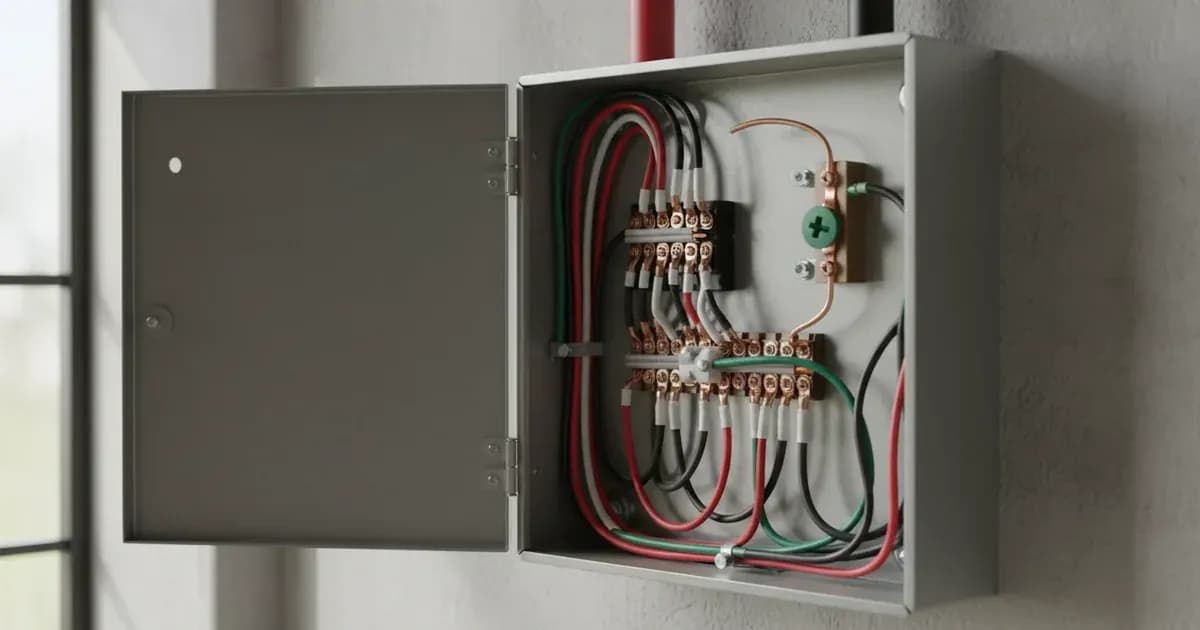
A fundamental aspect of installing the SolarEdge Backup Interface (BI-US) correctly and safely involves the neutral-ground bonding screw. This component dictates how the electrical system's neutral conductor is connected to its grounding system.
In SolarEdge Backup Interface installations, ensure the neutral-ground bonding screw is installed only if the BI-US serves as the service entrance disconnect.
This means if the BI-US is the first point of disconnection from the utility grid for your entire premises, then the neutral and ground conductors should be bonded within the unit. If the BI-US is installed downstream from an existing main service entrance disconnect, then the neutral-ground bond should remain at the main service panel, and the BI-US should operate with an unbonded neutral. Incorrect bonding can lead to hazardous conditions, including ground fault protection issues and potential electrical shocks. Always consult with a qualified electrician to determine the correct bonding configuration for your specific installation.
What the SolarEdge Backup Interface Does
The SolarEdge Backup Interface (BI-US) is designed to provide several critical functions within a solar energy system:
- Utility Service Disconnect and MID: It acts as the point of interconnection with the utility grid, managing the flow of power and enabling safe disconnection during outages.
- Seamless Grid Isolation: When the grid fails, the BI-US automatically isolates your home, preventing back-feeding into the grid and creating an independent microgrid.
- Built-in Revenue-Grade Energy Meter: This meter provides accurate data on energy production and consumption, which can be valuable for monitoring and potential export tariffs.
- Generator Autostart Terminal Integration: The unit includes dry contacts for integrating a compatible backup generator, allowing it to automatically start and provide power if solar and battery resources are depleted.
- Multi-Inverter and Battery Stacking Support: The BI-US is designed to work with multiple SolarEdge inverters and Energy Bank batteries, allowing for scalable backup power solutions.
- SetApp Wireless Guided Configuration: Commissioning and setup are streamlined through the SolarEdge SetApp, which provides a wireless, guided configuration process for installers.
- Outdoor NEMA 3R Weatherproof Enclosure: The robust enclosure ensures the unit can be installed outdoors, protecting it from environmental elements.
- Safe Circuit Isolation Lock-Out Protocols: Integrated safety features ensure that circuits can be safely isolated and locked out during maintenance or installation.
- Smart Load Control Integration: The system can integrate with smart load control devices to manage non-essential loads, extending backup duration.
What You Can Check Yourself, and What You Cannot
System Subsystem / Task | Homeowner Scope (Visual & App) | Accredited Installer Scope |
|---|---|---|
Enclosure & Clearance | Inspect NEMA 3R weatherproof casing and clear surrounding debris | Mount unit and maintain physical/thermal clearance standards |
System Mode & Telemetry | Check SolarEdge monitoring app for grid status & battery levels | Perform SetApp wireless guided commissioning and firmware updates |
Neutral-Ground Bonding | Unauthorised (shock hazard) | Determine service entrance status and install/remove bonding screw |
Backup & Generator Autostart | Observe backup power transitions during outages | Wire 200A MID terminals, generator autostart dry contacts, and loads |
Internal Faults & Maintenance | Report app alert codes to support | Isolate AC/DC feeds, execute lock-out/tag-out, and replace internal parts |
As a homeowner, your interaction with the SolarEdge Backup Interface (BI-US) is primarily through monitoring applications and ensuring the unit's physical integrity.
What you can check yourself:
- Visual Inspection: Regularly check the exterior of the Outdoor NEMA 3R Weatherproof Enclosure for any signs of physical damage, corrosion, or obstructions.
- Monitoring App: Use the SolarEdge monitoring application to check the system's status, battery charge level, and whether the system is operating in grid-tied or backup mode.
- Clearance: Ensure that the area around the BI-US remains clear of debris and vegetation to allow for proper ventilation and access.
What you cannot check or modify yourself:
- Internal Wiring: Never open the enclosure of the BI-US. All internal wiring, connections, and component checks must be performed by an accredited SolarEdge installer or qualified electrician.
- Neutral-Ground Bonding: The determination and installation of the neutral-ground bonding screw is a critical electrical safety procedure that requires professional expertise. Incorrect bonding can create severe hazards.
- Generator Connections: While the BI-US supports Generator Autostart Terminal Integration, the physical wiring and configuration of a generator must be done by a qualified professional.
- Firmware Updates or Configuration Changes: Any changes to the system's configuration, including firmware updates or adjustments via SetApp Wireless Guided Configuration, should only be performed by a certified installer.
- Troubleshooting Internal Faults: If the monitoring app indicates an internal fault or the unit is not operating as expected, contact your installer. Do not attempt to diagnose or repair internal issues.
Attempting to perform electrical work without proper training and certification can lead to serious injury, damage to equipment, and voiding of warranties. Always defer to qualified professionals for any physical interaction with the electrical components of your solar system.
What the Published Sources Do Not Tell You
While the SolarEdge Backup Interface (BI-US) is a sophisticated piece of equipment, specific technical details relevant to its installation and operation in Pakistan are not always readily available in general product literature or the provided official documentation.
official documentation provided for this article primarily references US tax credits and US electrical codes (NEC, UL standards), such as "Qualified residential clean energy expenditures are eligible for a 30% federal income tax credit" and "Grid-tied solar inverters must comply with UL 1741-SB and IEEE 1547-2018 anti-islanding parameters." These details are not applicable to the Pakistani market.
Crucially, published guidance does not provide specific wiring diagrams, detailed electrical specifications (e.g., voltage, current ratings beyond the 200A MID designation), or Pakistan-specific installation guidelines for the BI-US. It also lacks information on:
- Detailed Generator Integration Protocols: While "Generator Autostart Terminal Integration" is mentioned, the specific wiring, control logic, and compatibility requirements for generators available locally are not detailed.
- Multi-Inverter and Battery Stacking Limits: official documentation notes "Multi-Inverter and Battery Stacking Support" but does not specify the maximum number of inverters or batteries that can be integrated with a single BI-US unit, or any power limits for such configurations.
- SetApp Configuration Steps: While "SetApp Wireless Guided Configuration" is stated, the actual steps, parameters, and potential error codes within the SetApp are not provided.
- Specific Fault Codes and Troubleshooting: There are no fault codes or diagnostic procedures detailed for the BI-US itself.
- Pakistani Net Metering Documentation: Guidance on DISCO interconnection approval, bidirectional meter requirements, and NEPRA net metering paperwork specific to the BI-US is absent from the source material.
For these critical details, installers and homeowners must refer to the official SolarEdge installation manuals, technical datasheets, an accredited local installer, and your DISCO's net metering interconnection requirements. These documents provide the necessary granular information for safe and compliant installation in Pakistan.
Add a battery at a surveyed price
Installers quote supply and fitting of the battery on this page for your existing or new system.
How this pays for the site: installers pay SolarNevs a fixed introduction fee when we pass them a genuine enquiry. They cannot pay to appear higher, and our surveyed prices are published before any introduction. You can also take our dated price tables straight to any installer.
Frequently asked questions
What are the primary technical requirements for solaredge backup interface bi us wiring and setup guide?
Key requirements include compliance with local grid codes, correct equipment certification, and proper electrical isolation.
Who is authorized to install and inspect solaredge backup interface bi us wiring and setup guide?
All high-voltage DC, AC grid tie-in, and switchboard modifications must be performed by a qualified, accredited electrical professional.
How is export power limited in solaredge backup interface bi us wiring and setup guide?
Export limiting is achieved using certified bidirectional smart meters or power sensors providing dynamic feedback to the inverter system.
References
Related guides
More from what to buy — and how not to get cheated.