Troubleshooting SMA Sunny Boy and Sunny Tripower Inverter Event Codes
Updated 7 September 2026 · By SolarNevs Research Desk, Dealer surveys + verified sources · 2 sources · Method ↗
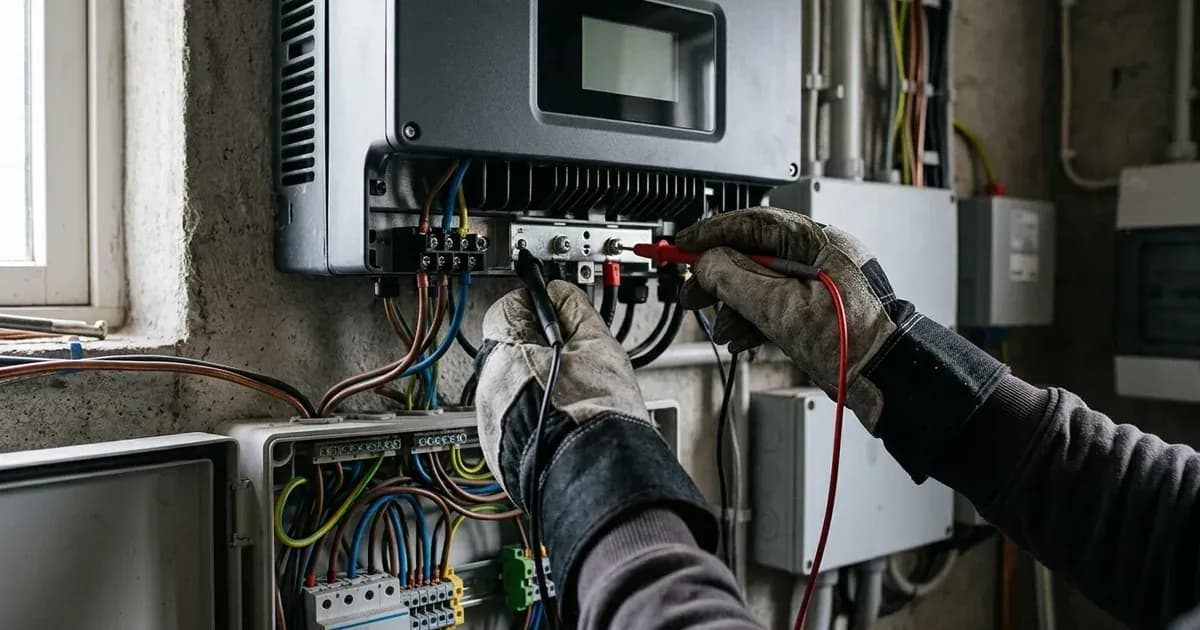
SMA Sunny Boy and Sunny Tripower inverters are designed to operate reliably, but like any complex electronic system, they can encounter issues. When a fault or unusual operating condition occurs, your SMA inverter will display a numeric Event Code. Understanding these codes is crucial for quick diagnosis and resolution, minimizing system downtime.
This guide provides a definitive troubleshooting manual for decoding and clearing common SMA Sunny Boy (SB 3.0-6.0) and SMA Sunny Tripower (STP 3.0-10.0 / STP 50-40) numeric Event Codes. We will cover grid voltage alarms (Event 102), ground insulation faults (Event 3501), RCMU residual current tripping (Event 3901), and self-test relay failures (Event 6001), alongside essential safety procedures and WebConnect commissioning.
Understanding SMA Event Codes
SMA inverters use a standardized system to communicate their operational status and any detected faults. These numeric Event Numbers are displayed on the inverter's integrated web server and can also be monitored via SMA Sunny Portal and the SMA 360° App.
General Troubleshooting Steps and Safety
Before attempting any troubleshooting, always prioritize safety. Working with solar inverters involves high DC voltages from the solar array and AC voltages from the grid.
Critical Safety Procedure: DC Disconnection and Capacitor Discharge
Before performing any physical inspection or maintenance on the inverter, it is mandatory to safely de-energize the unit.
- Turn OFF the DC Disconnect: Locate the Electronic Solar Switch (ESS) or DC rotary switch on your inverter. Turn it to the OFF position.
- Wait for Capacitor Discharge: After turning off the DC disconnect, you must wait 15 minutes for internal DC link capacitors to discharge. This waiting period is crucial to prevent electrical shock.
Once the inverter is safely de-energized, you can proceed with further diagnostics.
Common SMA Event Codes and Their Solutions
Event Code | Description / Fault Type | Root Cause & Detection | Recommended Action & Resolution |
|---|---|---|---|
Event 102 | Grid Overvoltage | AC grid voltage exceeds statutory upper protection limit | Monitor AC voltage; wait for 60-second reconnection timer; contact utility if persistent |
Event 3501 | Insulation Resistance Low | DC array earth insulation falls below 1 kOhm/V safety threshold | Halt operation; inspect DC cabling and modules using a 1000V DC insulation tester |
Event 3901 | Residual Current High (RCMU) | Excessive galvanic or capacitive earth leakage current detected | De-energize (15-min discharge); inspect cabling; isolate strings to locate leak |
Event 6001 | Self-Test Relay Fault | Grid disconnection relay self-test fails prior to connection | Power cycle with 15-minute capacitor discharge; contact SMA service if persistent |
Event 102: Grid Overvoltage
What it means: Event 102 indicates that the AC grid voltage at the inverter connection terminals has exceeded the statutory upper protection limit. This is a grid-side issue, not an inverter fault.
Why it happens:
- High Local Grid Voltage: The voltage supplied by your utility company may be temporarily or persistently too high for the inverter's permitted operating range.
- Grid Instability: Fluctuations or disturbances on the local grid can cause voltage spikes.
- Inadequate Grid Infrastructure: In some areas, the grid infrastructure may struggle to absorb the power being fed in, leading to localized voltage rise.
Troubleshooting steps:
- Check Grid Voltage: Monitor the AC voltage at the inverter's output terminals using a multimeter (if safe and qualified to do so). Compare this to your local grid code limits.
- Observe Inverter Behavior: Following a grid disturbance, SMA inverters execute a mandatory 60-second observation timer before resuming active power feed-in. The inverter will attempt to reconnect automatically once the grid voltage stabilizes within limits.
- Contact Your Utility Provider: If Event 102 persists, contact your electricity utility provider. They may need to investigate and adjust the voltage settings on their network.
- Consult an Installer: A qualified solar installer can assess your system's connection to the grid and ensure it complies with local regulations.
Event 3501: Insulation Resistance Low
What it means: Event 3501 indicates that the insulation resistance of the DC solar array to earth is below the minimum safety threshold, typically 1 kOhm/V. This is a critical safety fault, signaling a potential ground fault in your PV array.
Why it happens:
- Damaged PV Module Insulation: Cracks in module glass, backsheets, or frames can allow moisture ingress.
- Damaged DC Cabling: Rodent damage, abrasion, or improper installation can compromise cable insulation.
- Faulty Connectors: Water ingress or corrosion in MC4 connectors can create leakage paths.
- Moisture/Dirt: Accumulation of moisture, dirt, or debris on modules or connectors can reduce insulation resistance.
Troubleshooting steps:
- Professional Inspection Required: Persistent Event 3501 insulation faults require physical inspection of DC connectors and PV modules by a certified solar electrician using a 1000V DC insulation tester.
- Do NOT Operate: Do not attempt to operate the system until this fault is resolved by a qualified professional. A low insulation resistance poses a serious risk of electric shock and fire.
Event 3901: Residual Current High (RCMU Tripping)
What it means: Event 3901 indicates excessive capacitive or galvanic earth leakage current detected by the integrated all-pole sensitive Residual Current Monitoring Unit (RCMU). This is another safety-related fault, similar to a ground fault, but specifically detected by the inverter's internal monitoring.
Why it happens:
- DC Ground Fault: Similar causes to Event 3501, such as damaged cables or modules, creating a leakage path to ground.
- Capacitive Leakage: In large PV arrays, the inherent capacitance between the PV modules and the grounded mounting structure can lead to small leakage currents, especially under damp conditions. If these exceed the threshold, Event 3901 can trigger.
- Moisture: High humidity, rain, or condensation can temporarily increase leakage currents.
Troubleshooting steps:
- Check for Visible Damage: After safely de-energizing the system (following the 15-minute discharge rule), visually inspect PV modules, cables, and connectors for any signs of damage or moisture ingress.
- Isolate Strings: A qualified technician can systematically disconnect individual PV strings to identify which string is causing the leakage.
- Professional Diagnosis: If the fault persists, a certified solar electrician is required to perform detailed insulation resistance measurements and identify the exact source of the residual current.
Event 6001: Self-Test Relay Fault
What it means: Event 6001 occurs when the inverter's automatic grid disconnection relay self-test fails prior to morning connection. This relay is a critical safety component responsible for isolating the inverter from the grid in case of a fault or grid outage.
Why it happens:
- Relay Malfunction: The internal relay itself may be faulty or stuck.
- Control Circuit Issue: A problem with the inverter's internal control circuitry preventing the relay from operating correctly.
- Temporary Anomaly: Less commonly, a transient internal condition might cause a one-off failure.
Troubleshooting steps:
- Power Cycle: Safely de-energize the inverter by turning off the DC disconnect and waiting the mandatory 15 minutes. Then, re-energize the inverter. This can sometimes clear a temporary anomaly.
- Monitor: If the error clears, monitor the inverter for recurrence.
- Contact SMA Service: If Event 6001 persists after a power cycle, it indicates a hardware fault within the inverter. Contact SMA customer service or a certified SMA service partner for diagnosis and repair.
WebConnect Commissioning and Monitoring
SMA inverters, including the Sunny Boy and Sunny Tripower series, feature an integrated web server for monitoring and commissioning.
Initial Commissioning: Initial commissioning is performed by connecting directly to the inverter's WLAN access point, which typically appears as "SMA[serial]" (e.g., SMA[serial]). You will use the default WPA2 key provided in the inverter's documentation to establish this connection. This allows you to access the inverter's user interface for setup, configuration, and detailed real-time monitoring.
Ongoing Monitoring: For ongoing system performance monitoring and remote fault diagnosis, you can use the SMA Sunny Portal or the SMA 360° App. These platforms provide access to historical data, current power production, and detailed event logs, helping you or your installer identify and respond to issues promptly.
Conclusion
Understanding and responding to SMA inverter event codes is key to maintaining a healthy and productive solar energy system. While some issues like grid overvoltage (Event 102) may resolve themselves or require utility intervention, critical safety faults such as Event 3501 (Insulation Resistance Low) and Event 3901 (Residual Current High) demand immediate attention from a certified solar professional. Always adhere to the mandatory 15-minute capacitor discharge rule before any physical interaction with the inverter.
Still showing the fault? Book a technician
If the steps above did not clear it, tell us the inverter or battery and the exact code. We pass it to a technician who covers your city; visit charges are quoted before they come.
How this pays for the site: the technician or verifier pays SolarNevs a fixed introduction fee. Nobody pays to be recommended, and you are free to use our free guides instead.
Frequently asked questions
What are the critical safety steps for sma sunny boy inverter event error codes troubleshooting?
Always isolate AC and DC disconnects and wait at least 15 minutes for internal DC link capacitors to discharge safely before working on terminals.
How do I clear persistent event alarms?
Perform an AC/DC restart cycle and verify firmware versions in the integrated WebConnect user interface.
References
- SMA Sunny Boy 3.0-6.0 Operating Manual (Event Messages) — accessed 27 August 2026
- SMA Sunny Portal and WebConnect Diagnostics — accessed 27 August 2026
Related guides
More from inverter errors & fixes.