Fronius Inverter State Codes and Troubleshooting Guide
Updated 6 September 2026 · By SolarNevs Research Desk, Dealer surveys + verified sources · 2 sources · Method ↗
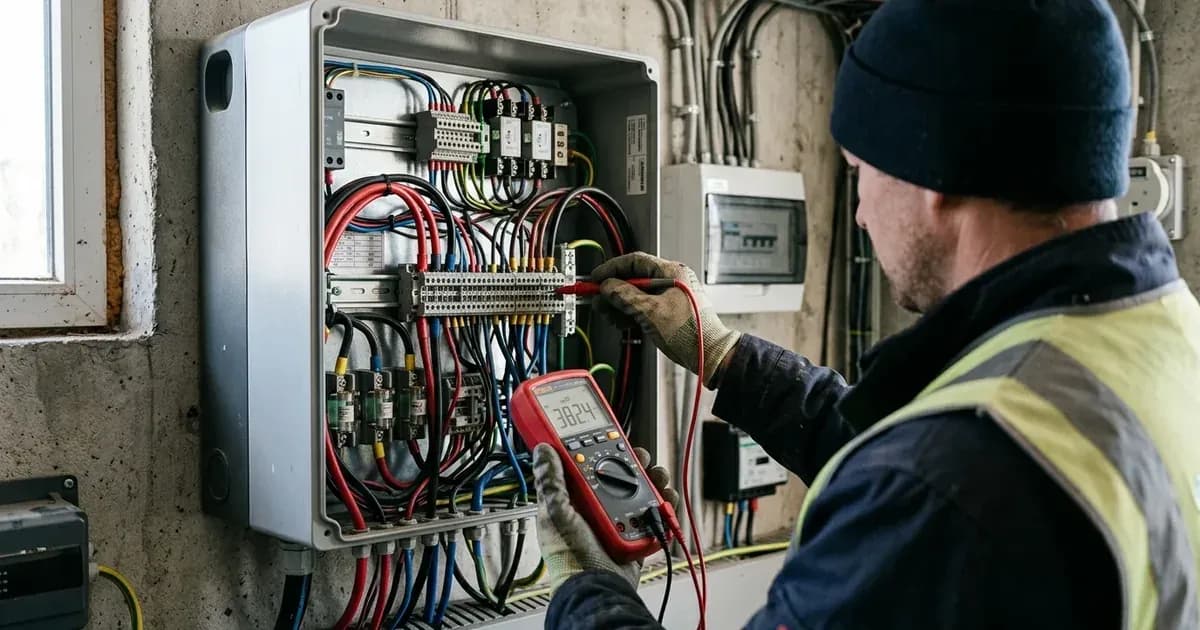
Fronius inverters, including the Primo, Symo, Eco, and GEN24 Plus Hybrid series, use a system of 3-digit State Codes to communicate their operational status and any detected faults. Understanding these codes is crucial for quick diagnosis and resolution, minimizing system downtime and ensuring optimal energy production.
This guide details common Fronius State Codes, their meanings, and practical troubleshooting steps for your Fronius International GmbH inverter.
Understanding Fronius State Codes
Fronius inverters categorize their operational status and fault conditions using 3-digit State Codes. These codes are grouped into series, each indicating a general area of concern:
- 1xx series: Grid-related issues.
- 3xx series: Internal inverter or AC output issues.
- 4xx series: Internal inverter faults.
- 5xx series: System configuration or DC input issues.
- 7xx series: Communication or software-related issues.
When a State Code appears on your inverter's display or in the Fronius Solar.web or Solar.start App, it provides a specific insight into what might be affecting your system.
Common Fronius State Codes and Troubleshooting
Here's a breakdown of frequently encountered State Codes and their recommended troubleshooting actions.
State 102: AC Grid Voltage High
Meaning: State 102 indicates that the AC grid voltage has exceeded the upper statutory limit. The inverter temporarily stops feeding power into the grid to protect itself and the grid.
Troubleshooting: The inverter is designed to automatically resume operation once the grid voltage normalizes. If this code persists, it may indicate an issue with the local grid infrastructure or grid impedance. Contact your utility provider or a certified electrician if the issue does not resolve itself.
State 107: Grid Frequency Out of Range
Meaning: State 107 signifies that the grid frequency is outside the permitted operating window. Similar to voltage issues, the inverter disconnects from the grid for safety.
Troubleshooting: The inverter will initiate an automatic grid reconnection delay once the frequency returns to normal limits. No immediate action is typically required from the user. Persistent issues should be reported to your utility provider.
State 301: Overcurrent AC
Meaning: State 301 indicates an overcurrent has been detected on the AC output side of the inverter. This can be caused by wiring issues or grid conditions.
Troubleshooting:
- Check AC Wiring: Visually inspect the AC wiring terminals for any loose connections or damage.
- Grid Impedance: High grid impedance can contribute to overcurrent situations.
- Power Cycle: Perform a complete power cycle of the inverter (AC and DC disconnects) and wait the mandatory 5 minutes for capacitor discharge before restarting. If the fault persists, professional inspection by a certified Fronius Service Partner is required.
State 306: PV Voltage Low
Meaning: State 306 occurs when the DC input voltage from your solar modules drops below the minimum operating threshold. This typically happens during periods of low irradiance (e.g., dawn, dusk, heavy cloud cover).
Troubleshooting:
- Irradiance: Check if there is sufficient sunlight on your PV array. The inverter will resume operation as irradiance increases.
- Shading: Inspect your solar panels for any new or increased shading.
- DC Isolator: Ensure all DC isolator switches are in the ON position.
- Module Issues: If the issue persists despite adequate sunlight, there might be a problem with the PV array itself (e.g., faulty module, wiring issue).
State 443: Energy Transfer Interrupted
Meaning: State 443 indicates an internal energy transfer failure between the inverter's intermediate circuit and the power stage. This is an internal fault.
Troubleshooting:
- Restart Inverter: The primary troubleshooting step is to restart the inverter. Turn off both the AC and DC disconnects, wait at least 5 minutes for internal capacitors to discharge, then turn them back on.
- Professional Inspection: If State 443 does not clear after a standard AC/DC power cycle, professional inspection by a certified Fronius Service Partner is required.
State 475: Solar.web Connection Lost
Meaning: State 475 indicates a loss of datamanager communication with the Fronius Solar.web server. This means your inverter cannot send monitoring data.
Troubleshooting:
- Local Wi-Fi: Check your local Wi-Fi network for connectivity issues.
- Router DHCP: Verify your router's DHCP settings to ensure the inverter is receiving an IP address.
- Internet Connection: Confirm your internet connection is active.
- Datamanager Status: Check the status lights on your inverter's datamanager card.
State 509: No Feed-in for 24h
Meaning: State 509 is logged when no solar power has been fed into the grid for a continuous period of 24 hours. This is a warning, not necessarily a fault, but indicates a lack of production.
Troubleshooting:
- DC Isolator: Verify that the DC isolator switch is closed (ON).
- AC Breaker: Ensure the AC breaker for the inverter is closed (ON).
- Other Faults: Check for any other active State Codes that might be preventing feed-in.
- Production: Confirm that your PV array is receiving sunlight and appears to be producing power.
State 567: Grid Code Selection
Meaning: State 567 indicates that the country grid setup profile has not been selected or confirmed during the initial commissioning process of the inverter.
Troubleshooting: This code typically appears during initial setup or after a factory reset. A qualified installer must access the inverter's setup menu to select and confirm the correct country grid profile according to local regulations.
State 705: Software Update Required
Meaning: State 705 indicates that the datamanager software requires an update to maintain compatibility with Fronius Solar.web monitoring protocols.
Troubleshooting:
- Internet Connection: Ensure the inverter has a stable internet connection.
- Automatic Update: Datamanagers often update automatically. If not, check the Solar.web portal or the inverter's interface for manual update options.
- Fronius Support: If you are unable to initiate the update, contact Fronius support or a certified service partner.
Essential Safety Procedures
Working with solar inverters involves high voltages. Always prioritize safety.
Capacitor Discharge Safety
Before performing any work on the inverter's connection area, or if you need to power cycle the unit for troubleshooting:
- Isolate Power: Turn the DC disconnector switch to the OFF position.
- Wait: Wait at least 5 minutes for internal capacitors to discharge. This crucial step prevents electric shock from residual energy.
Safety Warning: Opening the inverter's enclosure or working on internal components should only be performed by authorized and qualified service personnel.
Insulation Resistance Monitoring
Fronius inverters continuously monitor the insulation resistance between the PV array and earth. This check occurs prior to the morning connection to ensure system safety. If an insulation fault is detected, the inverter will typically display a fault code (often a 3xx or 4xx series code) and will not start feeding in.
When to Call a Professional
While many State Codes can be resolved with simple troubleshooting, some require expert intervention.
- Persistent 3xx or 4xx Codes: State codes starting with 3xx or 4xx that do not clear after a standard AC/DC power cycle require professional inspection by a certified Fronius Service Partner. These often indicate internal hardware faults.
- Unresolved Issues: If you are unsure about a code, or if troubleshooting steps do not resolve the issue, contact a qualified solar technician or a certified Fronius Service Partner.
Understanding these State Codes empowers you to quickly identify and often resolve common issues, ensuring your Fronius inverter operates efficiently and safely.
Still showing the fault? Book a technician
If the steps above did not clear it, tell us the inverter or battery and the exact code. We pass it to a technician who covers your city; visit charges are quoted before they come.
How this pays for the site: the technician or verifier pays SolarNevs a fixed introduction fee. Nobody pays to be recommended, and you are free to use our free guides instead.
Frequently asked questions
What should I do first when seeing a fault on fronius inverter state codes and troubleshooting?
Perform a standard AC and DC power cycle, waiting the mandatory capacitor discharge time before switching back on.
When is a certified installer required?
If isolation resistance, ground leakage, or internal hardware alarms persist after restart, contact a certified solar electrician.
References
- Fronius Technical Support and State Code Documentation — accessed 27 August 2026
- Fronius Solar.web Support & Operating Instructions (Fronius Help Center) — accessed 27 August 2026
Related guides
More from inverter errors & fixes.