Victron MultiPlus PowerAssist and AC Input Current Limit Guide
Updated 7 September 2026 · By SolarNevs Research Desk, Dealer surveys + verified sources · 2 sources · Method ↗
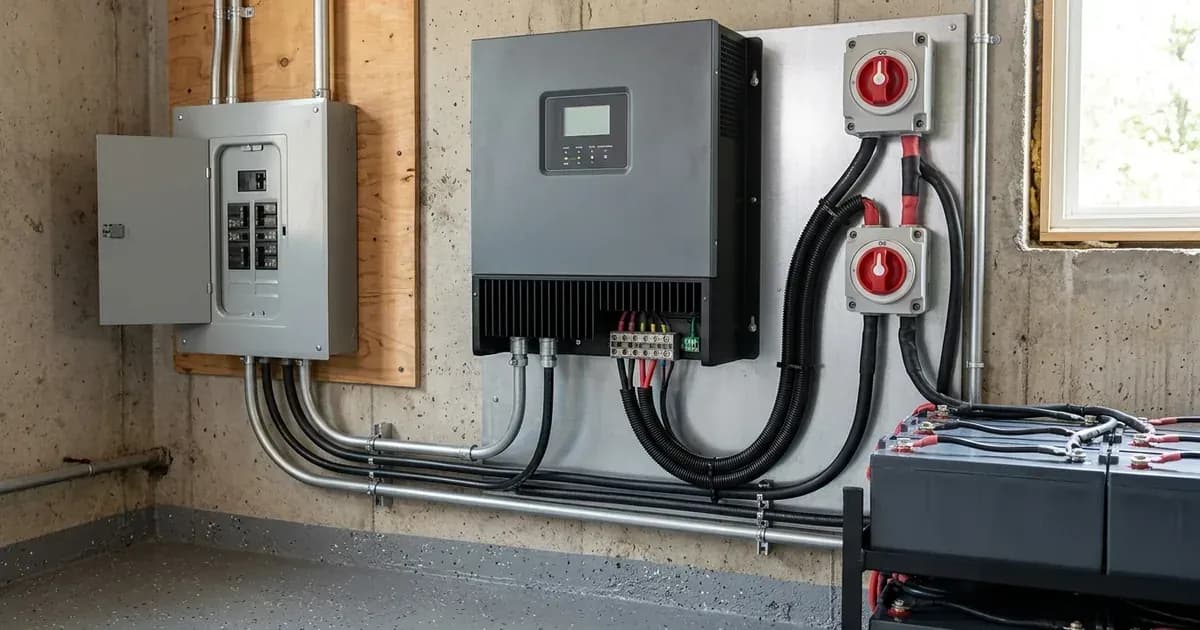
Victron MultiPlus, MultiPlus-II, and Quattro inverter/chargers feature advanced functionalities like PowerAssist and configurable AC input current limits. These features are crucial for optimizing energy usage, preventing overloads on utility or generator connections, and ensuring system stability in various off-grid, hybrid, and grid-tied installations.
This guide details how PowerAssist operates, how to configure AC input current limits using different Victron interfaces, and important safety considerations.
Understanding Victron PowerAssist
PowerAssist is a key feature designed to prevent AC input overloads by intelligently supplementing power from the battery bank.
How PowerAssist Prevents Overload
The core principle of PowerAssist is to dynamically manage power sources. "PowerAssist prevents utility or generator overload by seamlessly supplementing AC input power with power drawn from the battery bank." This means that when the demand from your AC loads exceeds the capacity of the incoming AC source (utility or generator), the MultiPlus will automatically draw additional power from your batteries and convert it to AC, adding it to the input.
This process is remarkably fast: "When AC loads exceed the configured input threshold, the inverter engages inverting mode in parallel within milliseconds." This rapid response ensures that even sudden, high-demand loads do not trip the upstream breaker.
PowerControl vs. PowerAssist
It's important to distinguish PowerAssist from PowerControl. "PowerControl first reduces battery charging current to zero before PowerAssist activates active battery discharge assistance." This means that if the AC input is nearing its limit, the system will first prioritize supplying loads by reducing or stopping battery charging. Only if the loads still exceed the AC input capacity will PowerAssist engage and start drawing power from the batteries.
Configuring AC Input Current Limits
Setting the correct AC input current limit is vital for protecting your upstream AC source and enabling PowerAssist to function effectively.
Why Set an AC Input Current Limit?
The AC input current limit tells your Victron inverter/charger the maximum current it can draw from the connected AC source. You should "Set the AC input current limit in VEConfigure or via GX device to match the exact rating of the upstream circuit breaker." This prevents the MultiPlus from drawing more current than the utility connection or generator can safely provide, thus avoiding tripped breakers or generator overloads.
Configuration Methods
There are several ways to configure the AC input current limit:
Interface / Tool | Configuration Scope | Operational Function |
|---|---|---|
VEConfigure3 Software | Primary system commissioning | Enables PowerAssist and sets boost factor (default 1.0) |
GX Device (Cerbo / CCGX) | On-site digital interface | Direct menu-based AC input current threshold adjustment |
Digital Multi Control (DMC) | Physical hardware panel | Real-time rotary dial adjustment for changing AC sources |
- VEConfigure3 Software: This is the primary tool for detailed system setup. You must "Enable PowerAssist checkbox and verify the correct boost factor setting (default 1.0) using VEConfigure3 software." VEConfigure3 allows precise configuration of all MultiPlus parameters.
- GX Device (Cerbo GX, Color Control GX): For on-site adjustments, a GX device provides a user-friendly interface. You can set the AC input current limit directly through the GX device menu.
- Digital Multi Control (DMC) Panel: For physical, on-the-fly adjustments, "Connecting a Digital Multi Control panel allows physical rotary dial adjustment of AC input current limits on the fly." This is particularly useful in mobile or marine applications where AC input sources might change frequently.
Minimum Current Threshold
Be aware that "MultiPlus units enforce a hardware-defined minimum input current limit depending on model power rating." This means there's a lower limit to how low you can set the AC input current, which varies by the specific MultiPlus model.
Total Available AC Output Power
When considering your system's capacity, remember that "Total available power at AC-out is the sum of AC input limit plus inverter continuous rated power." This calculation helps you understand the maximum power your system can deliver to loads, combining both the incoming AC and the inverter's contribution.
PowerAssist for Generator Surge Support
PowerAssist is particularly beneficial when operating with generators, especially smaller ones that can struggle with high-surge loads.
Absorbing Inductive Surges
"PowerAssist dynamically absorbs inductive motor starting surges from air conditioners and pumps without stalling small generators." This capability allows you to run high-surge appliances, like air conditioners or water pumps, even with a generator that might otherwise be too small to handle their startup current. The MultiPlus quickly supplements the generator's output with battery power during the surge, preventing the generator from being overloaded or stalling.
Generator Frequency Considerations
For proper operation with a generator, ensure its output is stable. "In generator installations, ensure generator output frequency remains within 45–65Hz to allow MultiPlus AC input synchronization." If the generator's frequency drifts outside this range, the MultiPlus may not be able to synchronize and accept its input.
Safety Procedures
Working with high-voltage electrical systems requires strict adherence to safety protocols.
High-Voltage DC Disconnect Safety
Before performing any maintenance or disconnection work on your MultiPlus system, especially involving battery connections or internal components, always follow safety guidelines. "Isolate AC supplies and turn battery disconnect switch OFF, allowing internal capacitors 10 minutes to discharge safely." This waiting period is crucial to ensure that internal capacitors are fully discharged, preventing electric shock hazards.
WARNING: Always wear appropriate personal protective equipment (PPE), such as insulated gloves and eye protection. Never work on live electrical systems. If you are not a qualified electrician, do not attempt internal repairs or modifications.
Multi-Market Grid Compliance
Victron MultiPlus devices are designed for global deployment, but grid-tied applications require adherence to local regulations.
Grid Parallel Operation Rules
For systems that feed power back into the grid, "MultiPlus-II bidirectional grid feed-in requires compliance with local anti-islanding regulations (such as G98, G99, NRS 097)." These regulations vary by region (e.g., G98/G99 in the UK, NRS 097 in South Africa, AS/NZS 4777.2 in Australia, UL 1741 in the US) and are critical for safe and legal grid connection. Always consult your local Distribution Network Operator (DNO) or relevant authority.
Universal System Compatibility
The versatility of Victron MultiPlus systems is highlighted by their "Compatible with single-phase, split-phase, and three-phase off-grid and hybrid energy storage installations." This broad compatibility allows them to be integrated into a wide range of power systems worldwide.
Conclusion
Mastering PowerAssist and AC input current limit configuration is essential for maximizing the performance and reliability of your Victron MultiPlus system. By correctly setting these parameters, you can protect your AC sources, seamlessly manage fluctuating loads, and ensure a stable power supply in any application. Always prioritize safety and adhere to local electrical codes and regulations.
Still showing the fault? Book a technician
If the steps above did not clear it, tell us the inverter or battery and the exact code. We pass it to a technician who covers your city; visit charges are quoted before they come.
How this pays for the site: the technician or verifier pays SolarNevs a fixed introduction fee. Nobody pays to be recommended, and you are free to use our free guides instead.
Frequently asked questions
What are the critical configuration rules for victron multiplus powerassist and ac input current limit guide?
Verify system electrical ratings and program all limits accurately using VEConfigure3 or the VictronConnect mobile application.
How do safety isolation procedures work?
Isolate all AC and DC supplies and wait at least 10 minutes for internal capacitors to discharge safely before servicing connections.
References
- Victron Energy MultiPlus Operating Manual and PowerAssist Technical Guide — accessed 27 August 2026
- Victron Remote VEConfigure Manual — accessed 27 August 2026
Related guides
More from inverter errors & fixes.