Victron Pylontech LiFePO4 Battery CAN-Bus Setup Guide
Updated 18 September 2026 · By SolarNevs Research Desk, Dealer surveys + verified sources · 1 source · Method ↗
Key Takeaways
- CAN-bus communication is essential for the Pylontech Battery Management System (BMS) to interface with the Victron GX device.
- Ensure your Victron GX device and inverter/charger firmware meet the specified minimum versions for compatibility.
- Correct cabling and connection points are critical for reliable data exchange and system operation.
- If you encounter persistent errors or are unsure about high-voltage connections, consult a qualified solar technician.
Why is CAN-Bus communication essential for Victron and Pylontech systems?
The Pylontech Battery Management System (BMS) with each battery module interfaces with the Victron GX device. This CAN-bus connection communicates the keep-alive signal, charge and discharge limits, error codes, and State of Charge (SOC %) between the batteries and the system. Without this communication, the system cannot operate safely or efficiently.
Diagnosis: Checking your Victron Pylontech CAN-Bus Connection
To ensure proper communication between your Victron Energy system and Pylontech LiFePO4 batteries, follow these steps.
- Verify GX Device Firmware: Check the firmware version on your Victron GX device (e.g., Cerbo GX). For new systems, the minimum required firmware version is v2.42. If you are controlling MPPTs via the GX device, it needs to run v2.15 or later.
- Verify Inverter/Charger Firmware: Check the firmware of your VE.Bus inverter/charger units. For new installations, the minimum firmware version is 469.
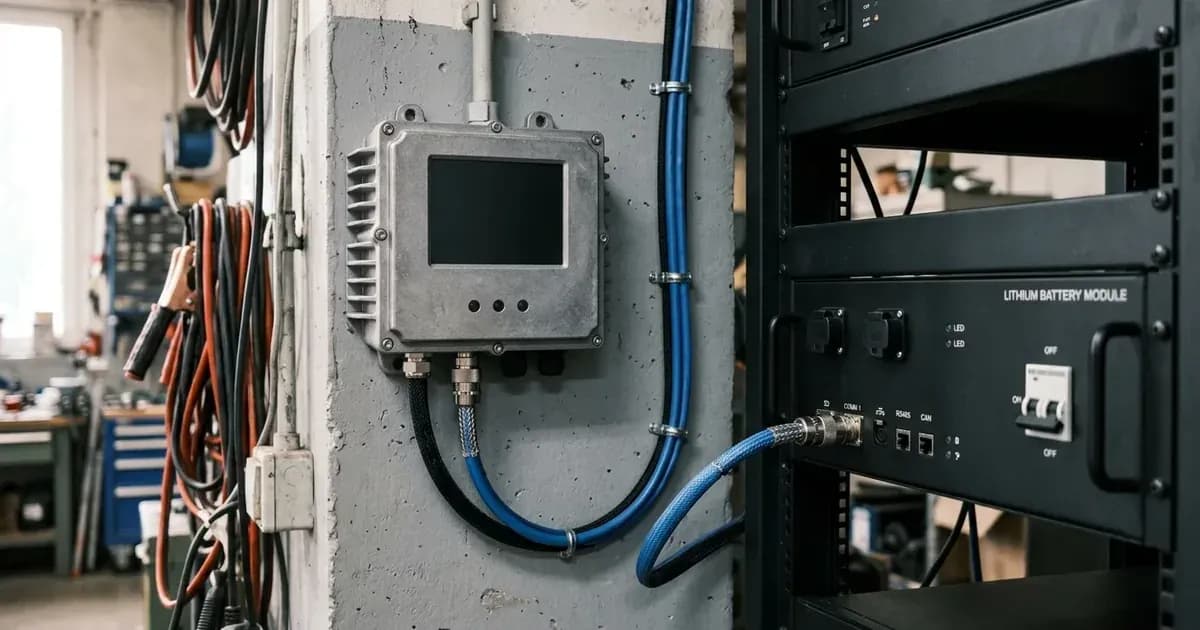
- Inspect CAN-Bus Cabling: Ensure the CAN-bus cable is correctly connected between the Pylontech battery master module and the Victron GX device. This connection is essential for the BMS to send data. Pylontech battery modules can be connected together using the RJ-45 cable supplied by Pylontech, using the link ports on the battery.
- Check VE.Bus Connection for Inverters: Verify that all VE.Bus inverter/charger units are connected to the GX device via the VE.Bus connection port.
- Confirm MPPT Connection: If using Victron MPPT chargers, ensure they are connected to the GX device. All VE.Direct BlueSolar and SmartSolar MPPT Chargers are compatible and are controlled via the GX device. New Model (2019 and later) VE.Can MPPTs are supported from firmware version 1.06 and above. If using a new VE.Can MPPT, a GX device with more than one CAN-bus interface, such as the Cerbo GX, is required.
- Monitor for MPPT Error #67: If your MPPT stops charging and flashes error #67, this indicates that the GX device is disconnected from the MPPT. Re-establish the connection.
Victron Inverter and Pylontech Battery Compatibility Table
This table outlines compatible Victron Multiplus and Quattro inverter/chargers with Pylontech battery modules, including their continuous and peak power ratings.
Inverter / Charger Model | Inv continuous watts @ 25 degrees | Inverter peak watts surge rating | Number of Pylontech modules | Battery continuous discharge watt rating | Battery peak discharge watt rating |
|---|---|---|---|---|---|
Multiplus 48/500/6 | 430 | 900 | 1 | 1200 | 4800 |
Multiplus 48/800/9 | 700 | 1600 | 1 | 1200 | 4800 |
Multiplus 48/1200/13 | 1000 | 2400 | 1 | 1200 | 4800 |
Multiplus 48/3000/35 | 2400 | 6000 | 2 | 2400 | 9600 |
Multiplus 48/5000/70 | 4000 | 10000 | 4 | 4800 | 19200 |
Quattro 48/8000/110-100/100 | 6500 | 16000 | 6 | 7200 | 28800 |
Quattro 48/10000/140-100/100 | 8000 | 20000 | 7 | 8400 | 33600 |
Quattro 48/15000/200-100/100 | 12000 | 25000 | 10 | 12000 | 48000 |
Pylontech Battery Models and Specifications
Pylontech offers various LiFePO4 battery models compatible with Victron systems. The minimum Venus firmware version for all listed models is v3.50.
Battery Model | Nominal voltage | Module capacity |
|---|---|---|
UP2500* | 24V | 2.55 kWh |
US2000 (Plus/C/D) | 48V | 2.4 kWh |
US3000(C) | 48V | 3.5 kWh |
UP5000 & US5000(B) | 48V | 4.8 kwh |
Pelio-L | 51.2V | 5.12kWh |
Force-L1 & L2 | 48V | 3.55 kWh |
UF5000 | 51.2V | Coming soon |
For UP2500 batteries, up to 20 modules can be paralleled per string. For other Pylontech models, up to 8 battery modules can be connected in parallel. No adjustment to the DIP switches on the battery module is necessary unless you are using an LV-HUB.
Safety: LiFePO4 Battery Handling
LiFePO4 batteries are generally stable, but improper handling can still pose risks. Always ensure power is isolated from PV, battery, and AC breakers before working on connections. Use insulated tools to prevent accidental shorts, as a short across a battery bank can release hundreds of amps. Never attempt to open the battery enclosure, as this is authorized-service work and can void your warranty.
When to call a technician instead
While many setup checks can be performed by the user, certain situations require professional intervention. If you are unsure about wiring high-voltage DC systems, or if you cannot resolve communication errors after following the diagnostic steps, contact a qualified solar technician. Attempting repairs or modifications beyond the scope of this guide may void your warranty and pose safety risks.
Frequently asked questions
Why is CAN-bus communication essential for Victron and Pylontech systems?
The Pylontech Battery Management System (BMS) communicates critical data like charge and discharge limits, error codes, and State of Charge (SOC) to the Victron GX device via the CAN-bus connection. This ensures safe and efficient operation of the battery.
What minimum firmware version is required for the Victron GX device?
For new systems, the minimum required firmware version for the GX device is v2.42. If you are using MPPTs, the GX device needs to run v2.15 or later for proper control.
What minimum firmware version is required for Victron VE.Bus inverter/chargers?
For new installations, the minimum firmware version for VE.Bus inverter/charger units is 469. Ensure your inverter/charger meets this requirement for compatibility with Pylontech batteries.
How many Pylontech battery modules can be connected in parallel?
For the UP2500 model, up to 20 modules can be paralleled per string. For other Pylontech models, up to 8 battery modules can be connected in parallel. Refer to Pylontech datasheets for specific model limits.
Are all Victron VE.Bus inverters and inverter/chargers compatible with Pylontech batteries?
Yes, all VE.Bus inverters and inverter/chargers are compatible, provided you use the appropriate model for the nominal battery voltage. These units must be connected to the GX device via the VE.Bus connection port.
References
- Victron Energy Battery Compatibility: Pylontech — accessed 23 August 2026
Related guides
More from schemes, subsidies & financing.